Add a landlord
This feature must be turned on for your account.
If you rent out units on behalf of others, you can invite the owners into Bokable. Each landlord gets their own owner portal, and you decide which properties belong to them and how big a fee you keep.
The feature must be switched on for your account.
This is the landlords page before you have added anyone:
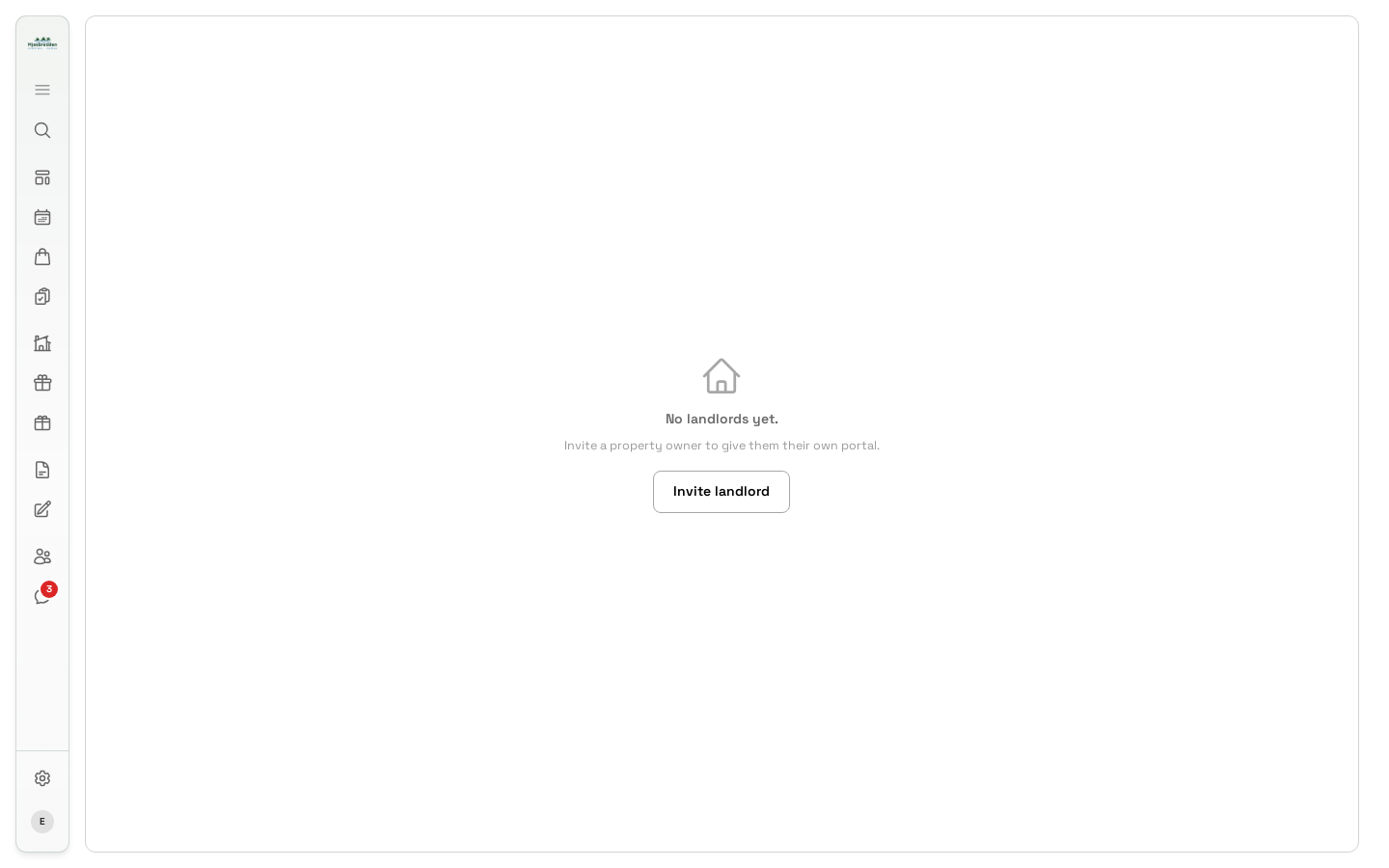
How to invite a landlord
- Open the landlords page. It isn't in the menu yet, so go to the address of your admin page and add
/admin/landlords. You can also press Ctrl K and search for "Landlords". -
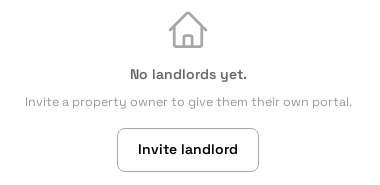
Click Invite landlord.
-
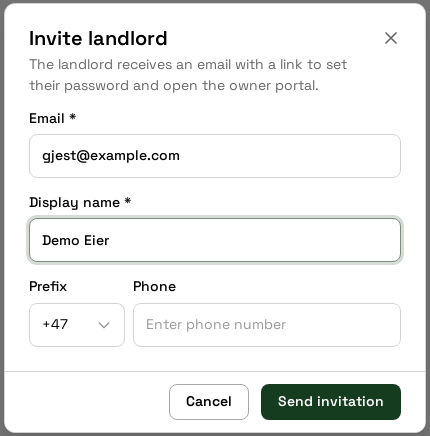
Fill in Email and Display name. Phone is optional. Click Send invitation.
-
The landlord receives an email with a link to set their password and open the owner portal. In the list, the landlord now has the label Invited.

How to link properties to the landlord
-
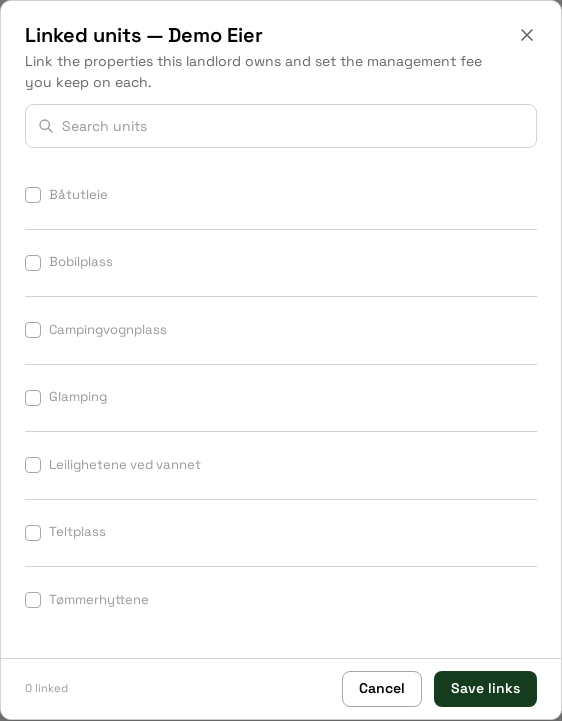
Click Units on the landlord's row. The window that opens lists your properties and products.
-
Tick the ones that belong to the landlord. Fill in % fee, which is the management fee you keep for each link. The Active switch turns a link on or off.

-
Click Save links.

Good to know
- If you already have landlords, Invite landlord is at the top of the list.
- If the landlord hasn't received or can't find the email, click Resend invite on their row.