Get help from Atlas
Atlas is the assistant in Bokable. You ask in your own words, and Atlas answers with the steps and can point on the screen to where you should click. Use it when you can't find a feature or want an answer about bookings, guests, prices or settings.
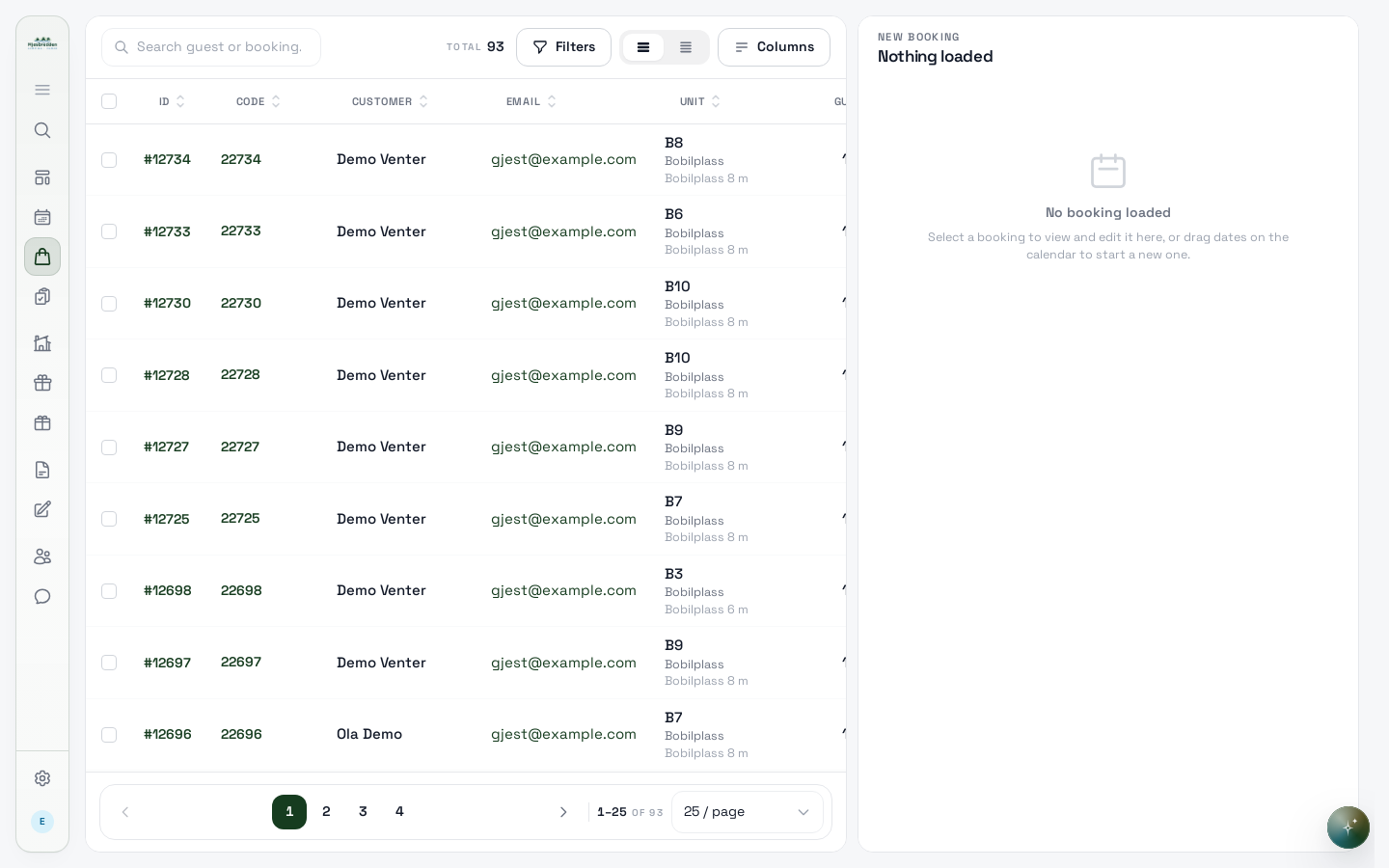
Ask Atlas
-
Click the round Atlas button in the bottom right corner. Atlas opens on the right side of the screen, with a few suggestions under What can I help you with?.
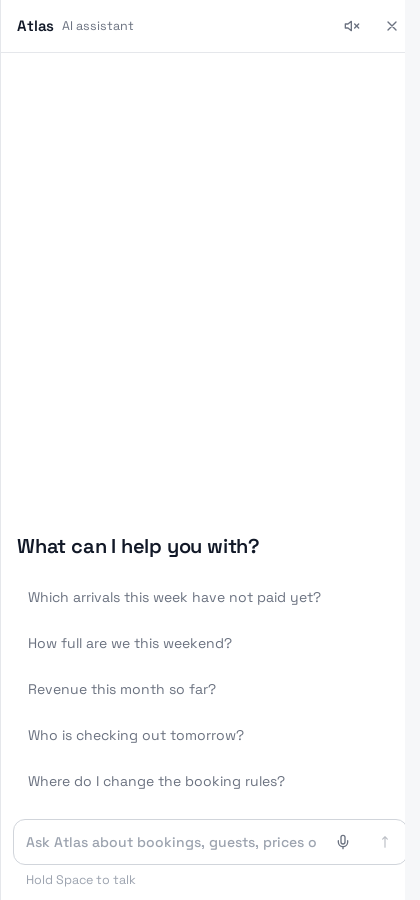
-
Type your question in the field at the bottom, for example "How do I move a booking to other dates?", and press Enter.
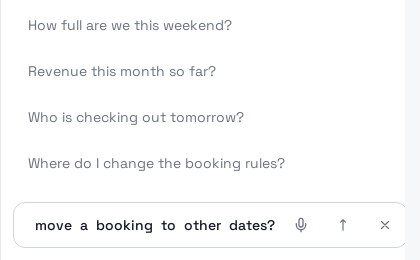
-
Read the answer. When it is about something you can do in Bokable, you get a card with the steps. Below the card, Ask next suggests follow-up questions.
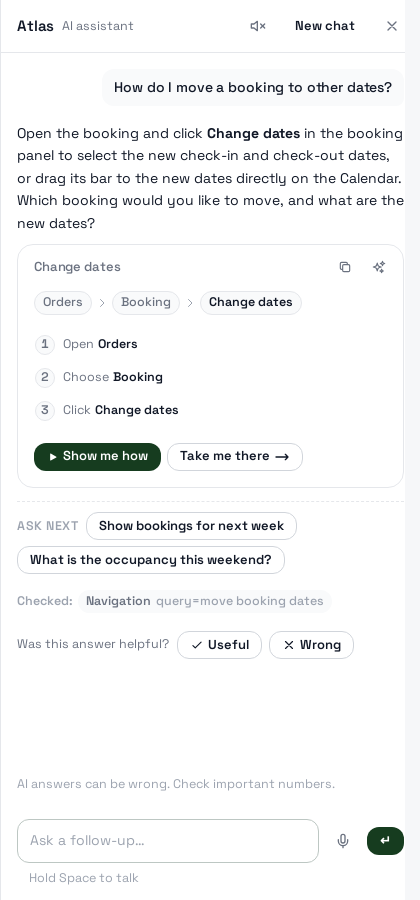
-
Click Show me how or Guide me to be shown the way. Take me there opens the page directly.
Follow the guide
-
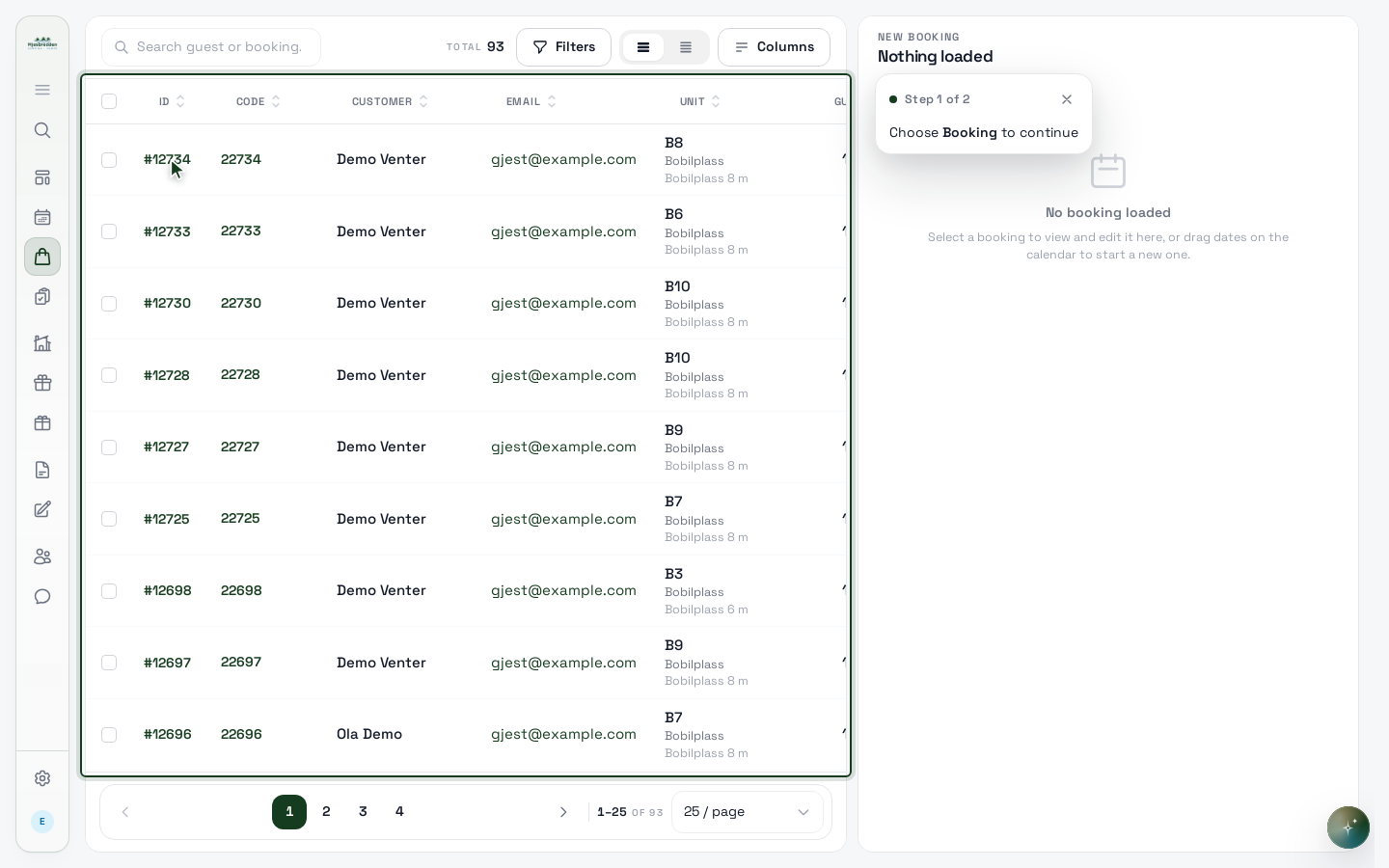
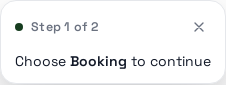
Look for the ring. Atlas closes the panel and marks the place to click. A bubble next to it tells you what to do, for example "Choose Booking to continue".
-
Click the marked place. The top of the bubble shows which step you're on. When the guide has several steps, Atlas moves on to the next one. If the bubble shows Next, you can also click it to move on.
-
Click Back to Atlas to go back to the conversation. The cross in the bubble closes the guide.
Talk to Atlas
- Hold the microphone next to the field, or the Space bar, while you speak. Let go to send. You can also tap the microphone once and tap it again when you're done.
- The microphone stays available between recordings, so you don't have to allow it again.
- Answers are only read aloud when Read answers aloud is on. The speaker button at the top of the panel turns it on and off.
- The first time, you need to allow the microphone in your browser.
Good to know
- AI answers can be wrong. Check important numbers, such as amounts and dates.
- Atlas doesn't answer the same way every time. The steps can vary a little.
- Click Useful or Wrong under the answer. With Wrong you can write what was missing.
- New chat at the top starts a new conversation.
- Under Settings → AI assistant you see the questions your team has asked and how the answers were rated. You can filter by Outcome and Rating. Questions are kept for 90 days.
- To just find a booking, guest or invoice, search is fastest: press Ctrl K and type a name, booking code, phone number or email.