Find and open a booking
Watch it in a short video
The video was checked against the admin on 5 November 2026.
Under Orders you find all your bookings in one list. From here you open a booking to see the details or make changes.
How to do it
-
Choose Orders in the menu on the left.
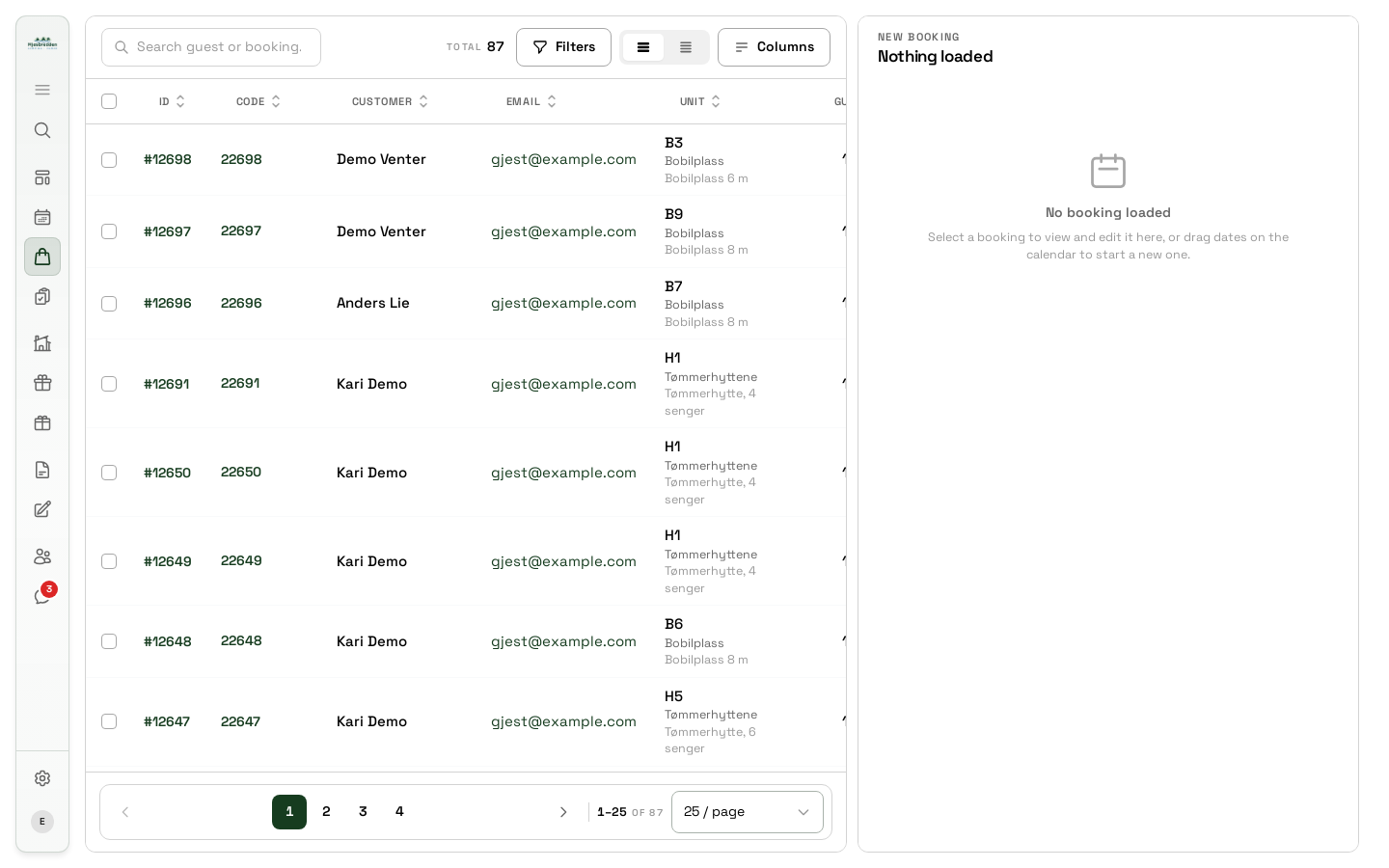
-
Type the guest's name or the booking code in the search box at the top. The list shows only the matches.
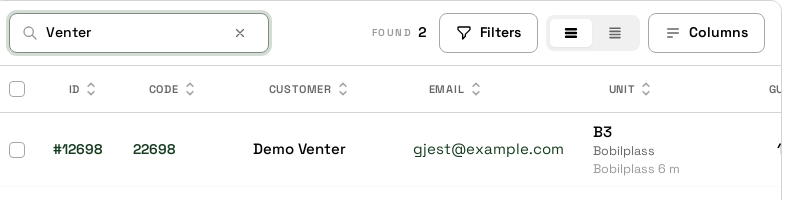
-
Tap the booking in the list. It opens on the right of the screen.
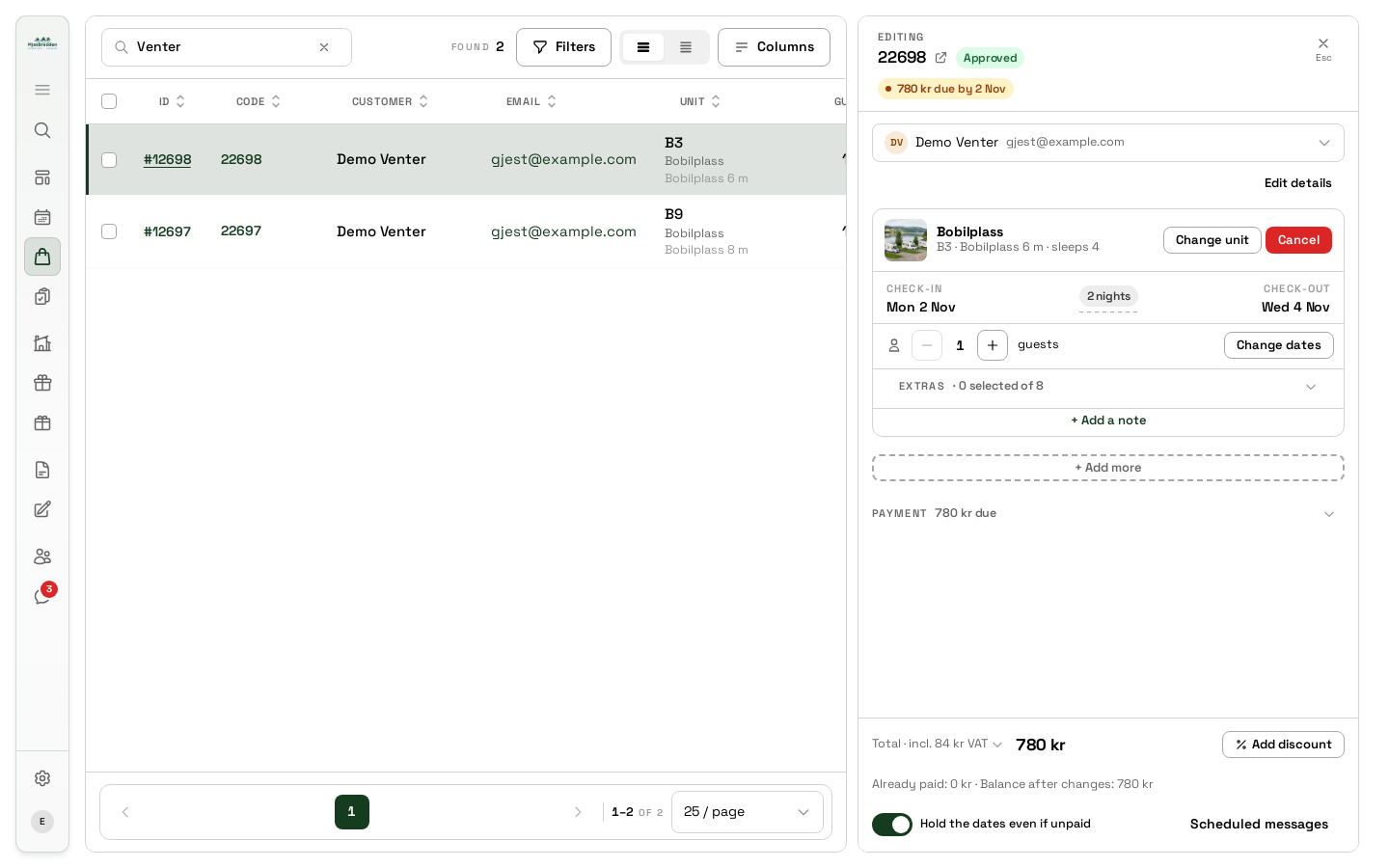
In the panel you see the guest, unit, dates, price and payment.
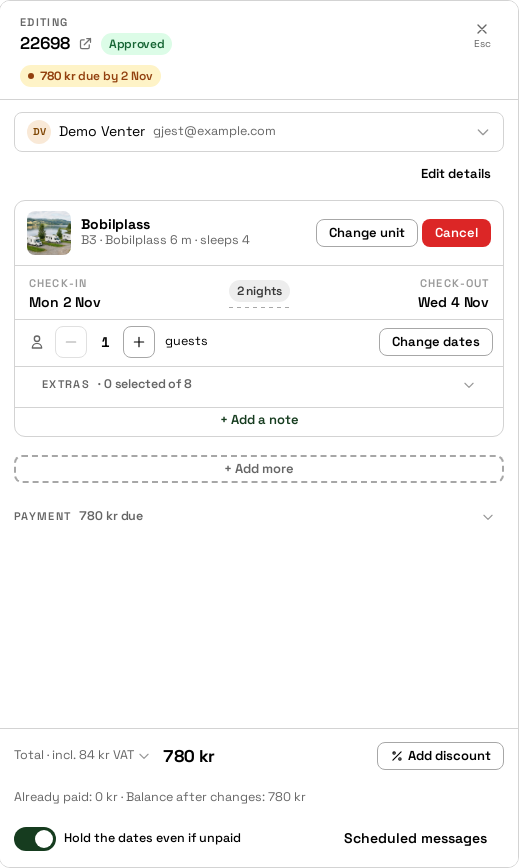
Close the booking with the cross at the top right.
Good to know
- With Filters you can narrow down the list, for example by booking status or payment state.
- The tabs above the list show only one kind of booking, for example Unpaid, Paid or External payment. External payment means bookings paid outside Bokable.
- Bookings from sales channels have a small badge next to the booking number that shows where they came from, for example Booking.com or Airbnb. See Check-in and check-out with the guest guide.
- The list shows 25 bookings per page by default. You can change the number in the "25 / page" menu at the bottom, and move on with the page numbers.
