Use the calendar
The calendar shows all your units in rows and the days across. It shows who is staying where, what is free and what each night costs.
How to read the calendar
Select Calendar in the menu on the left.
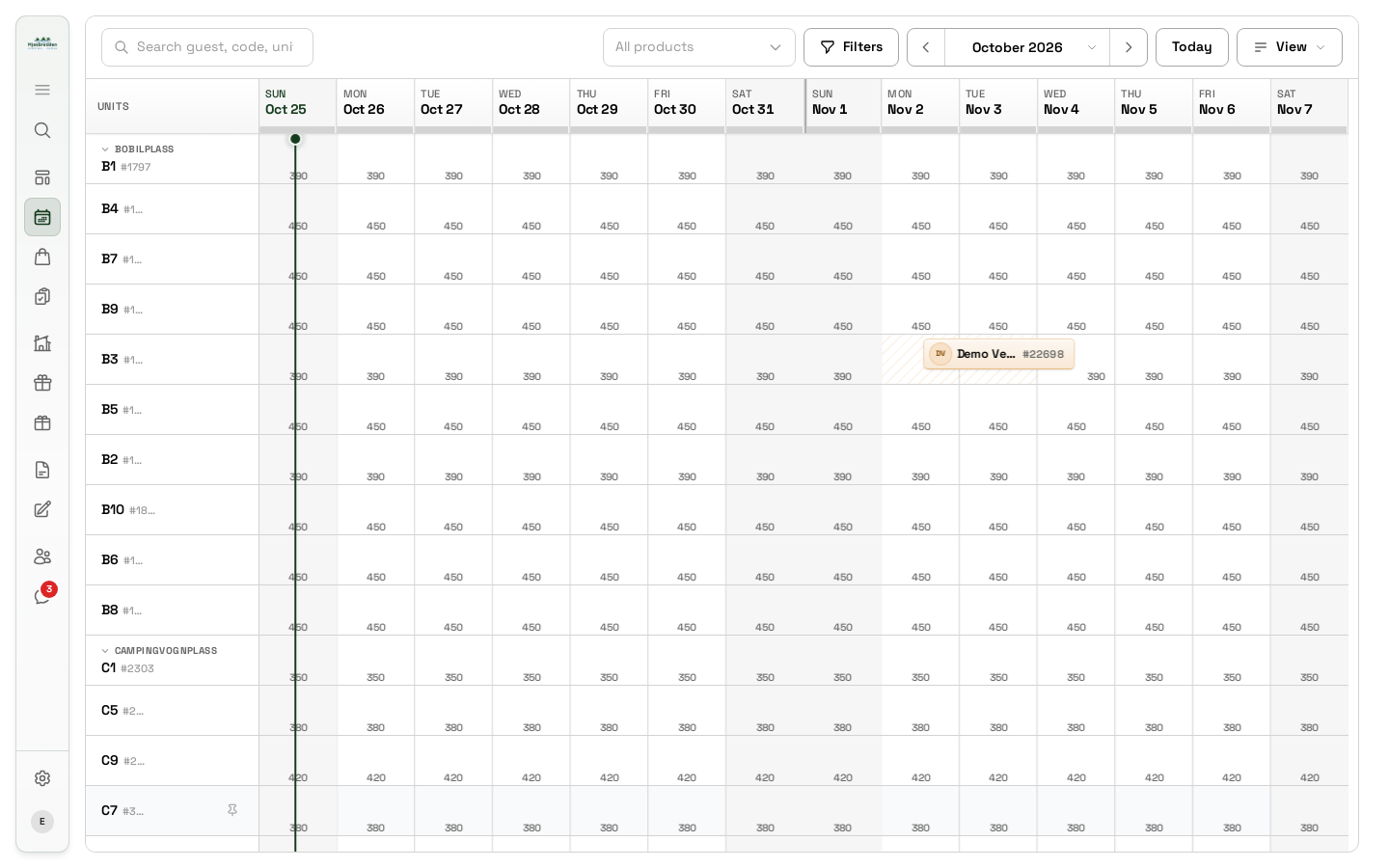
The calendar is laid out like this:
- Each row is one unit. Units are grouped by product, for example Bobilplass and Campingvognplass.
- The number in a free cell is the price for that night.
- A booking shows as a bar across the nights the guest stays. Click the bar to open the booking on the right of the screen.
- The vertical line marks today.
- Bookings from sales channels have a small badge that shows where they came from, for example Booking.com.
- If you hold the mouse over a booking, you see its status, channel and whether the payment link has been sent.
Move around and find things
The tools for moving around and searching are at the top of the page.

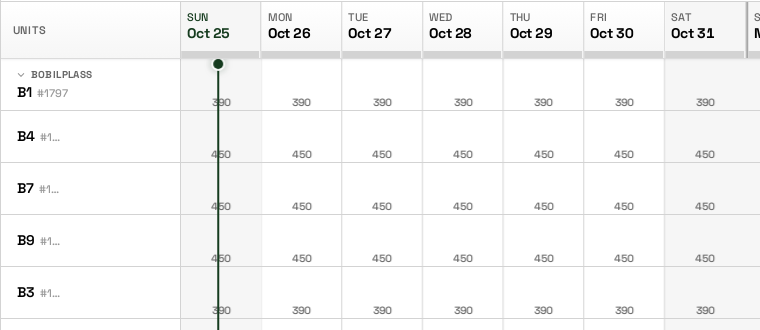
- Use the arrows and the month at the top right to move through time. Today takes you back to today's date.
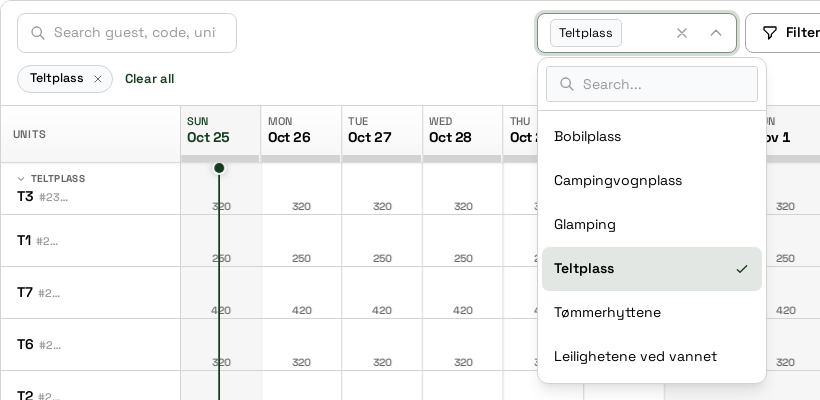
- To see only some product types, pick them in All products. Clear all shows everything again.
- The search field at the top left finds guests, booking codes and units.
Change the view
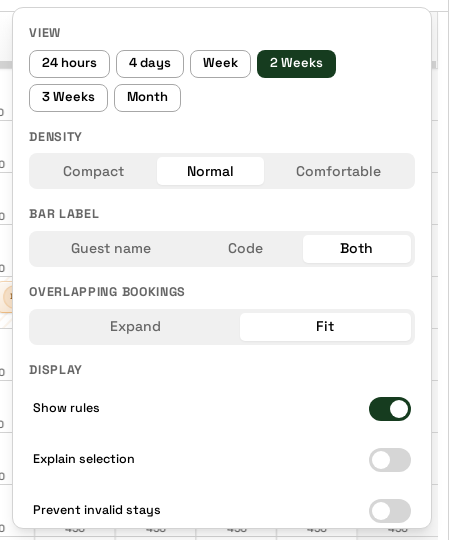
Click View at the top right.
- Under View you choose how much you see at once, from 24 hours to Month.
- Density sets how close together the rows are.
- Bar label decides whether a bar shows the guest name, the booking code or both.
- At the bottom of the menu you find Export visible range.
Filter by status
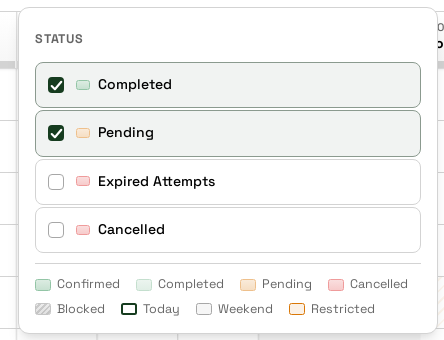
Click Filters and tick the statuses you want to see: Completed, Pending, Expired Attempts and Cancelled. The colour key is at the bottom of the same window.