Channel bookings without a unit
Sometimes a sales channel, such as Booking.com, sells a stay when no unit is free. The booking then comes in without a unit, and you need to assign one before the guest arrives.
These bookings are on the page Bookings without a unit. The page has no entry in the menu. You find it at the address /admin/order/overbookings.
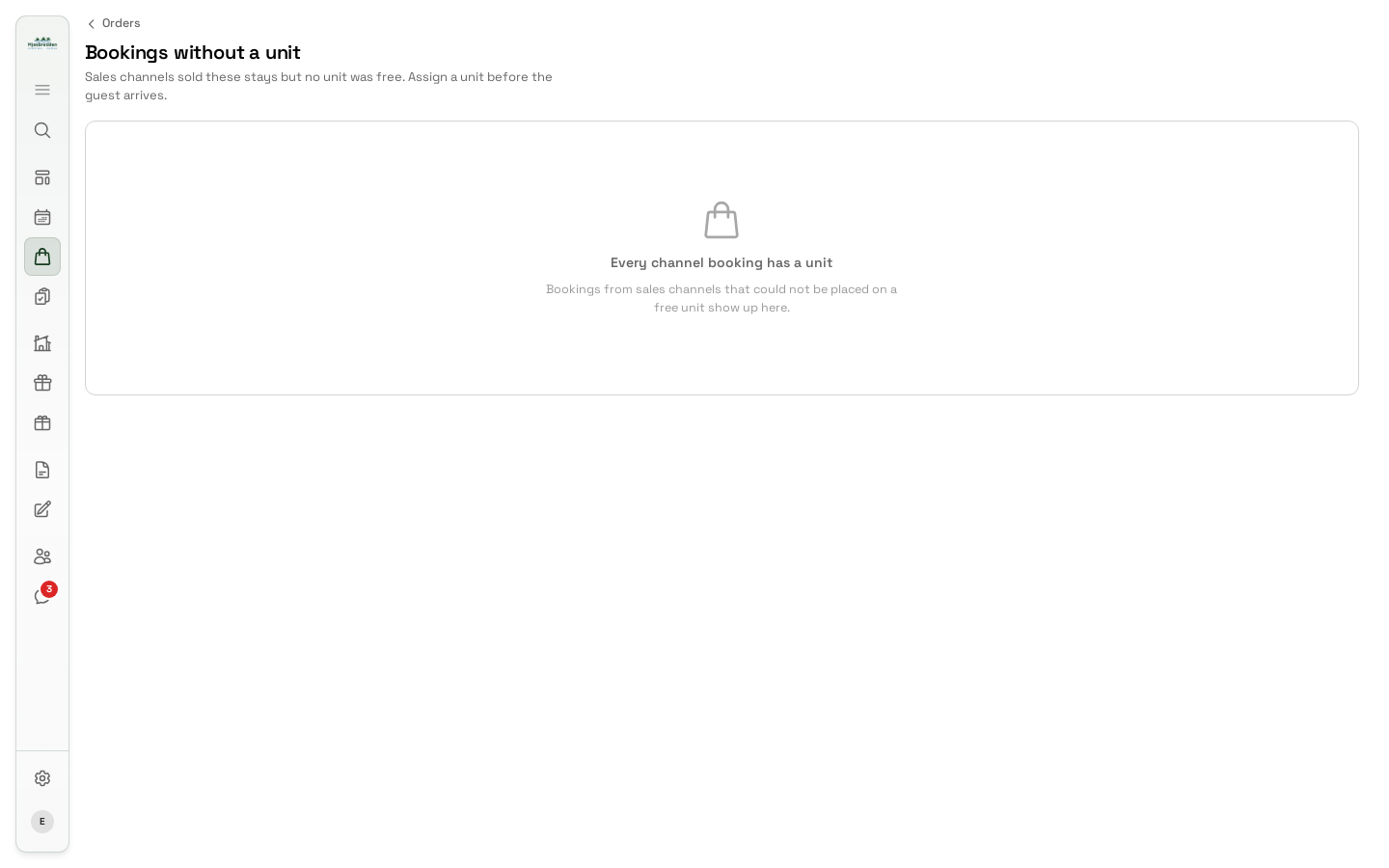
For each booking you see the code, channel, guest, dates, number of guests, the room type the guest booked, and the reason the booking has no unit.

How to do it
- Open the page Bookings without a unit at the address /admin/order/overbookings.
- Tap Assign unit on the booking.
- Choose a free unit. Occupied units cannot be chosen.
- Tap Assign unit to save.
If the list is empty, every booking from the sales channels has a unit.
Good to know
- Further down the page there may also be changes from the sales channels that did not go through. Tap Retry to send them again.