Read the dashboard
This feature must be turned on for your account.
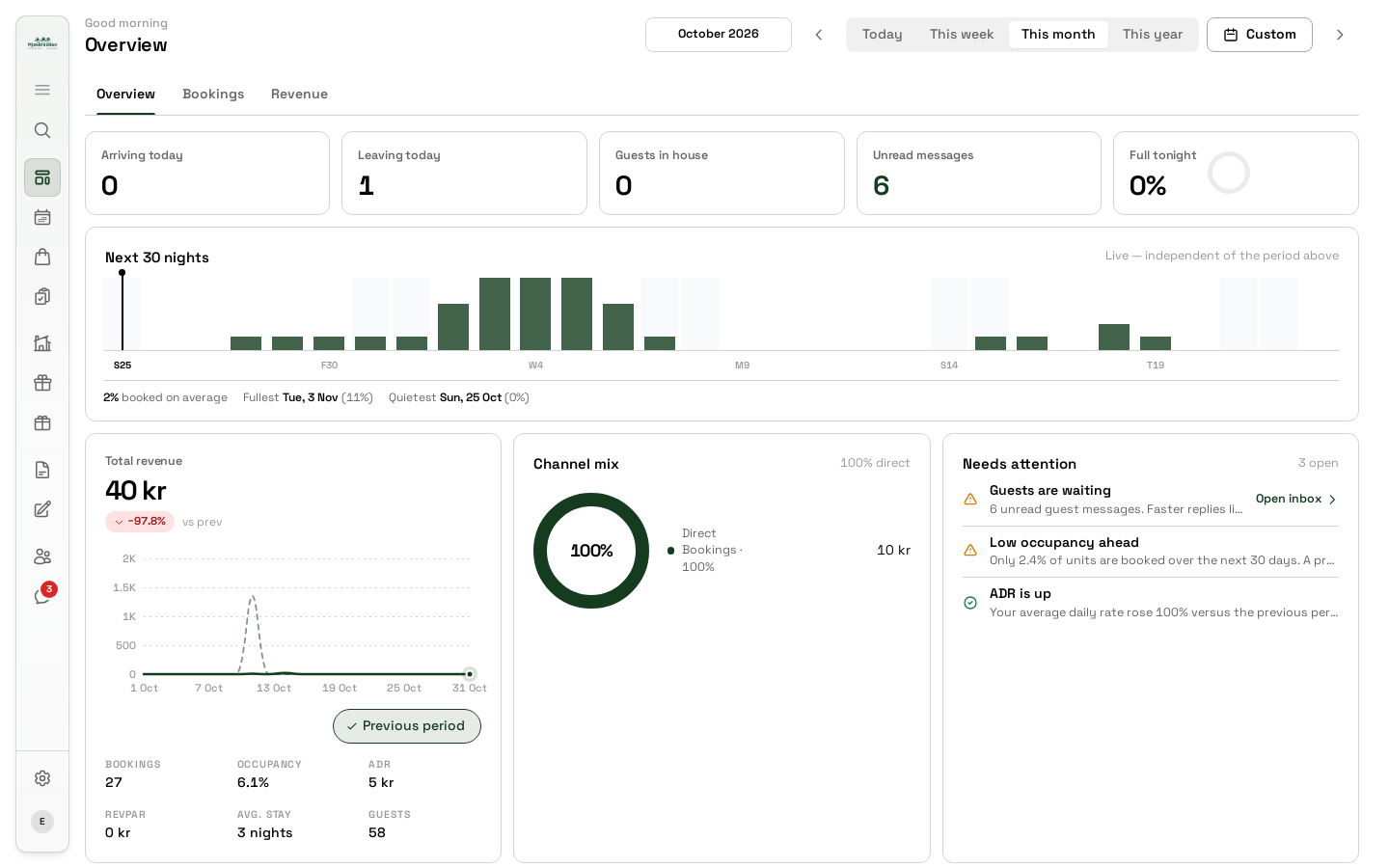
Dashboard is the start page of the admin. It shows what is happening today, how full you are over the next weeks and how revenue is developing.
The dashboard must be switched on for your account. If you don't see Dashboard in the menu, it is not switched on.
Choose a period
At the top right you choose Today, This week, This month, This year or Custom. The arrows move to the previous or next period. The Bookings and Revenue tabs give more detail on each part. With the Include external payments switch, payments made outside Bokable are counted in the figures.

What you see
The first row has the cards Arriving today, Leaving today, Guests in house, Unread messages and Full tonight.

Next 30 nights shows occupancy night by night ahead. This part doesn't follow the period you chose. It always shows the next 30 nights.

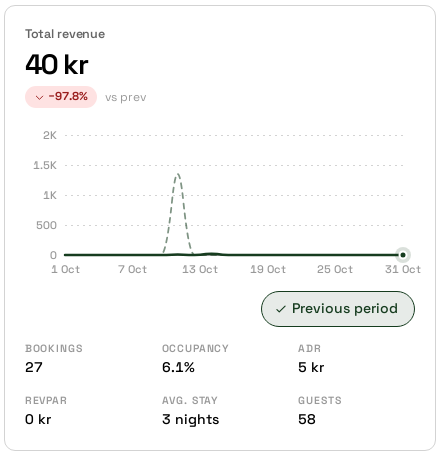
Under Total revenue you see the revenue for the period and the change from the previous period. With Previous period switched on, the previous period shows as a dashed line in the chart. The key figures for the period are below the chart.
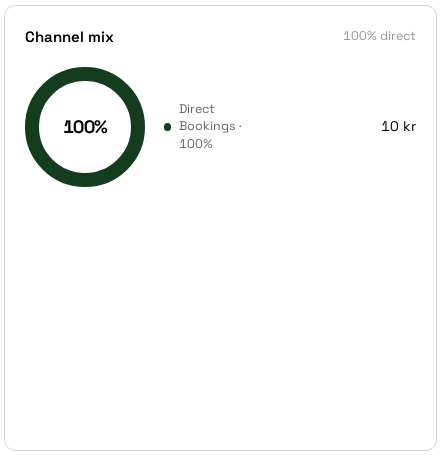
Where the revenue came from, for example direct bookings, is shown under Channel mix.
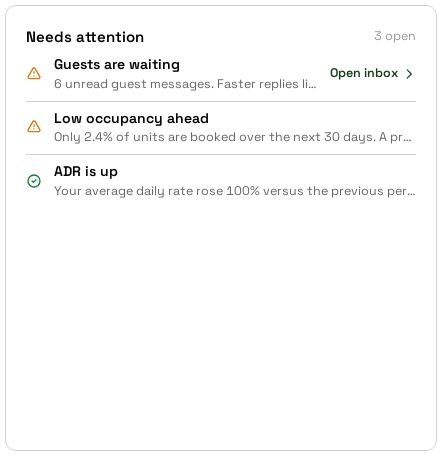
Needs attention points to things you should look at, for example guests waiting for a reply.
Words that may be new
- Occupancy: how large a share of the nights is sold in the period.
- ADR: average daily rate, the average price per night sold.
- RevPAR: revenue per available unit-night, meaning revenue spread over all the nights you had for sale.