Find a guest and see their bookings
Under People you find your guests with their contact details and bookings. This is useful when a guest calls and you want to see what they have booked before.
How to find a guest
-
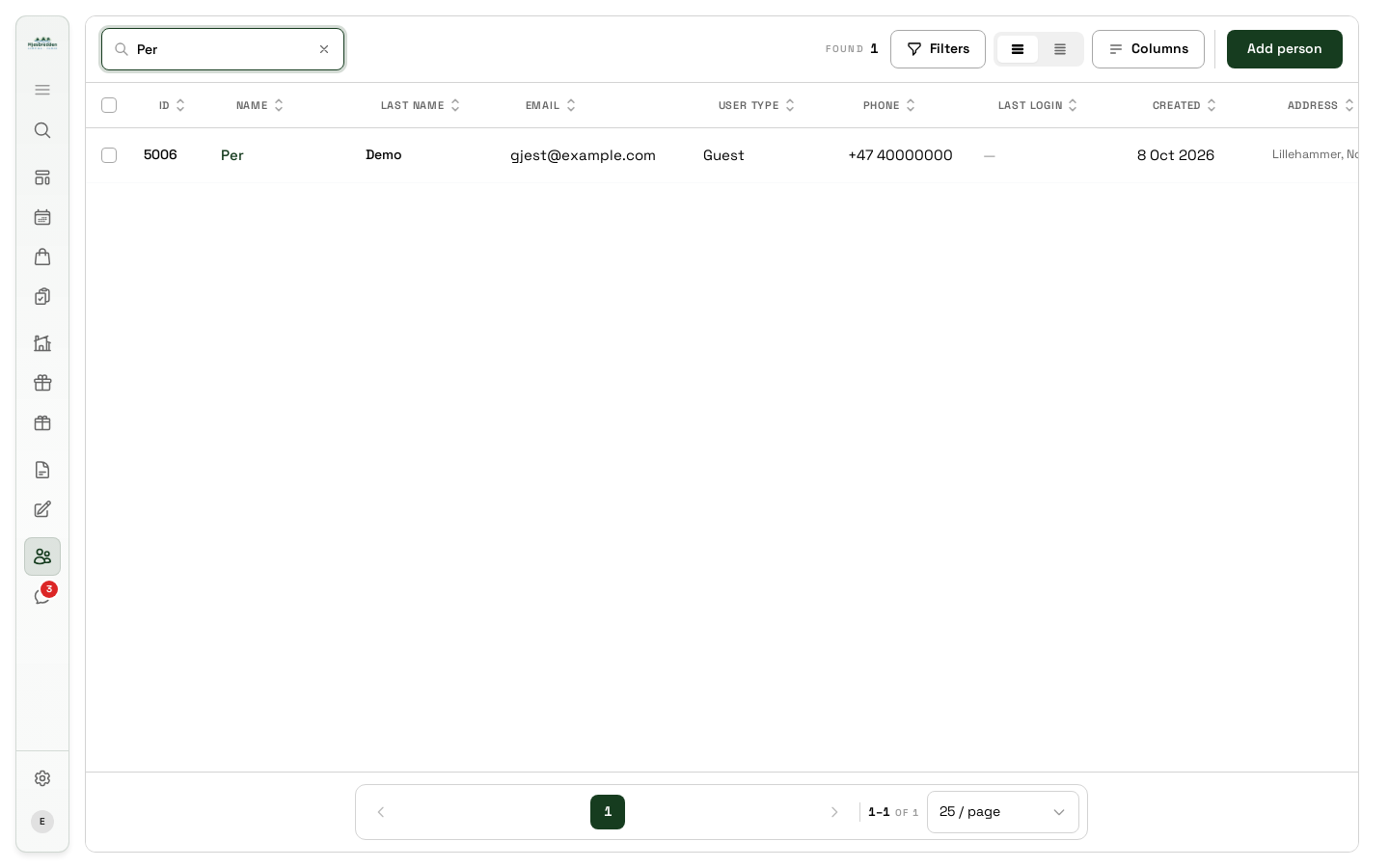
Select People in the menu on the left.
-
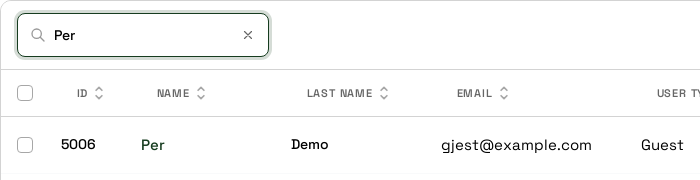
Type the name in the Search people field at the top. The list then shows only the people who match.
-
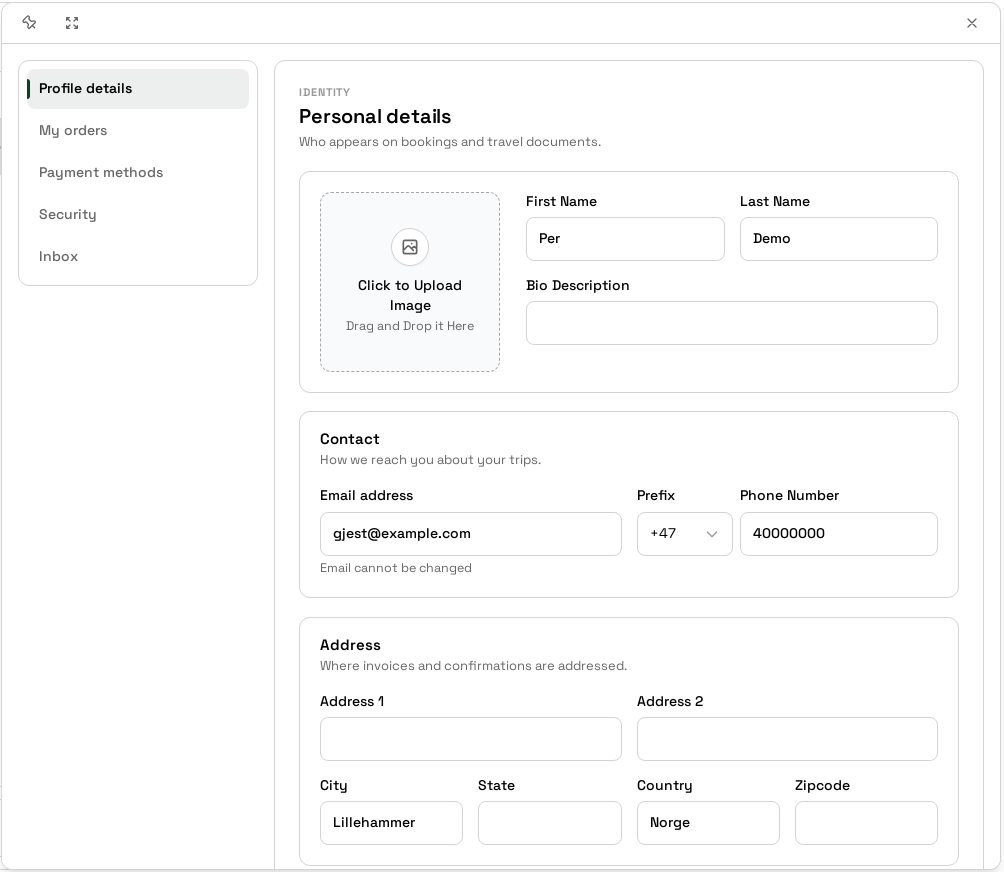
Click the name. The profile opens on the right of the screen, with Profile details first.
How to see the guest's bookings
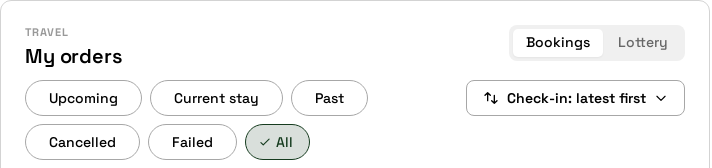
- Select My orders in the profile menu.
-
Click the group of bookings you want to see: Upcoming, Current, Past, Cancelled or All.
-
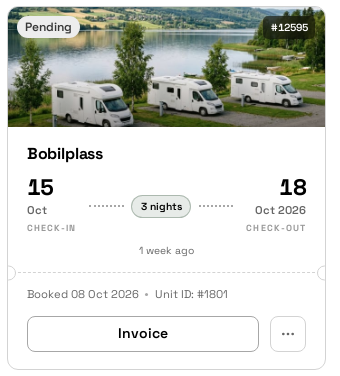
Each booking shows as a card with status, dates and number of nights. Click Invoice to see the invoice.
Good to know
- The profile also shows Profile details with name, email, phone and address.
- A guest's email address can't be changed.