Add a signature under your emails
The signature is added under your emails to guests, like the sign-off of a letter. You create it once and choose for each email whether it is included.
How to do it
-
Tap Settings (the gear) at the bottom of the left-hand menu.

-
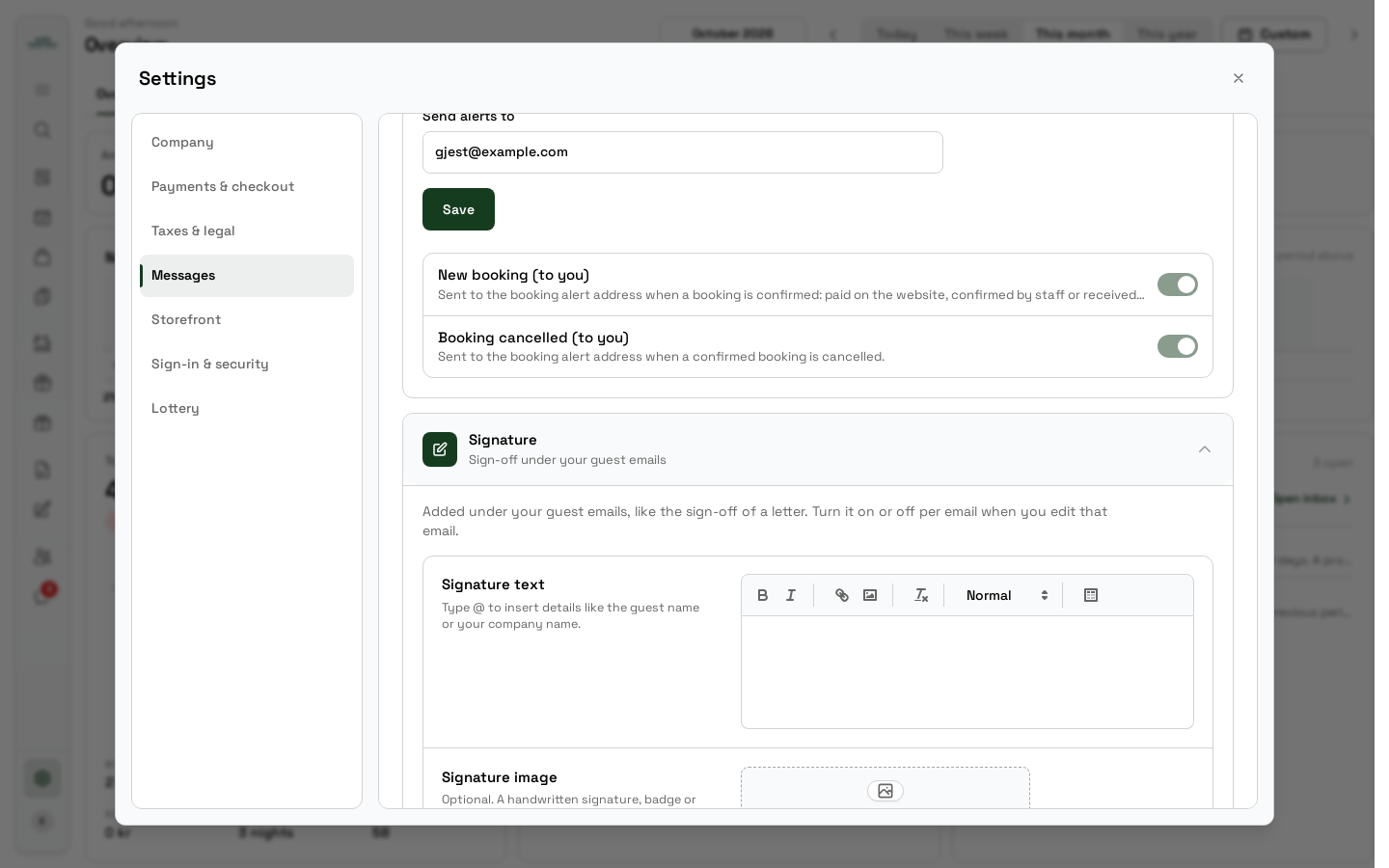
Choose Messages and the Look & feel tab. Signature is at the top.
-
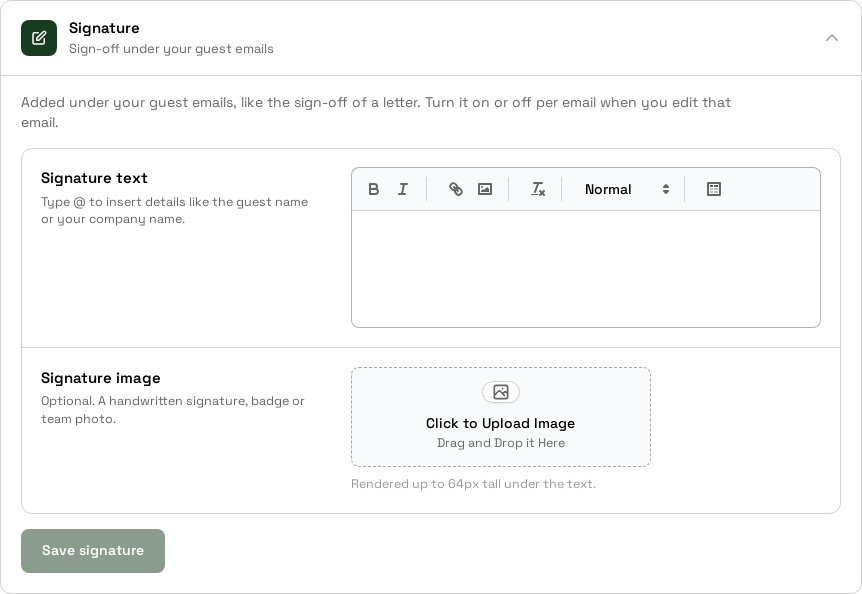
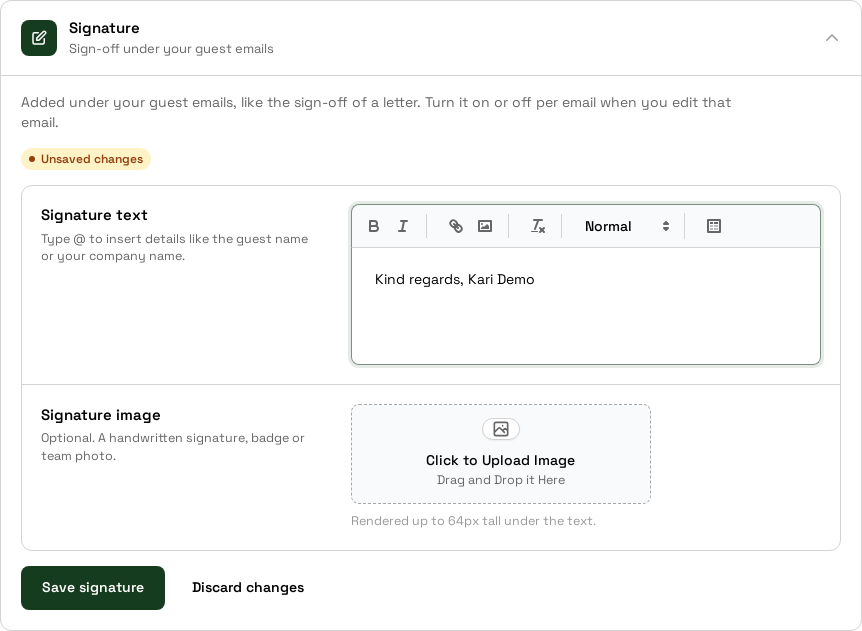
Write the text in Signature text. With @ you can insert details such as the guest's name or your company name.
- If you want an image, such as a handwritten signature or a team photo, upload it under Signature image. The image is shown up to 64 pixels high under the text.
-
Tap Save signature. To undo, tap Discard changes.
Choose which emails get the signature
Open the email on the Emails tab and use the Add signature switch. Tap Save changes.