Connect a product to Booking.com, Airbnb and other channels
Bokable sends free dates and prices to sales channels such as Booking.com, Airbnb and Expedia through a channel manager. That is a separate system that keeps the calendar the same in every channel. You connect each product on its own.
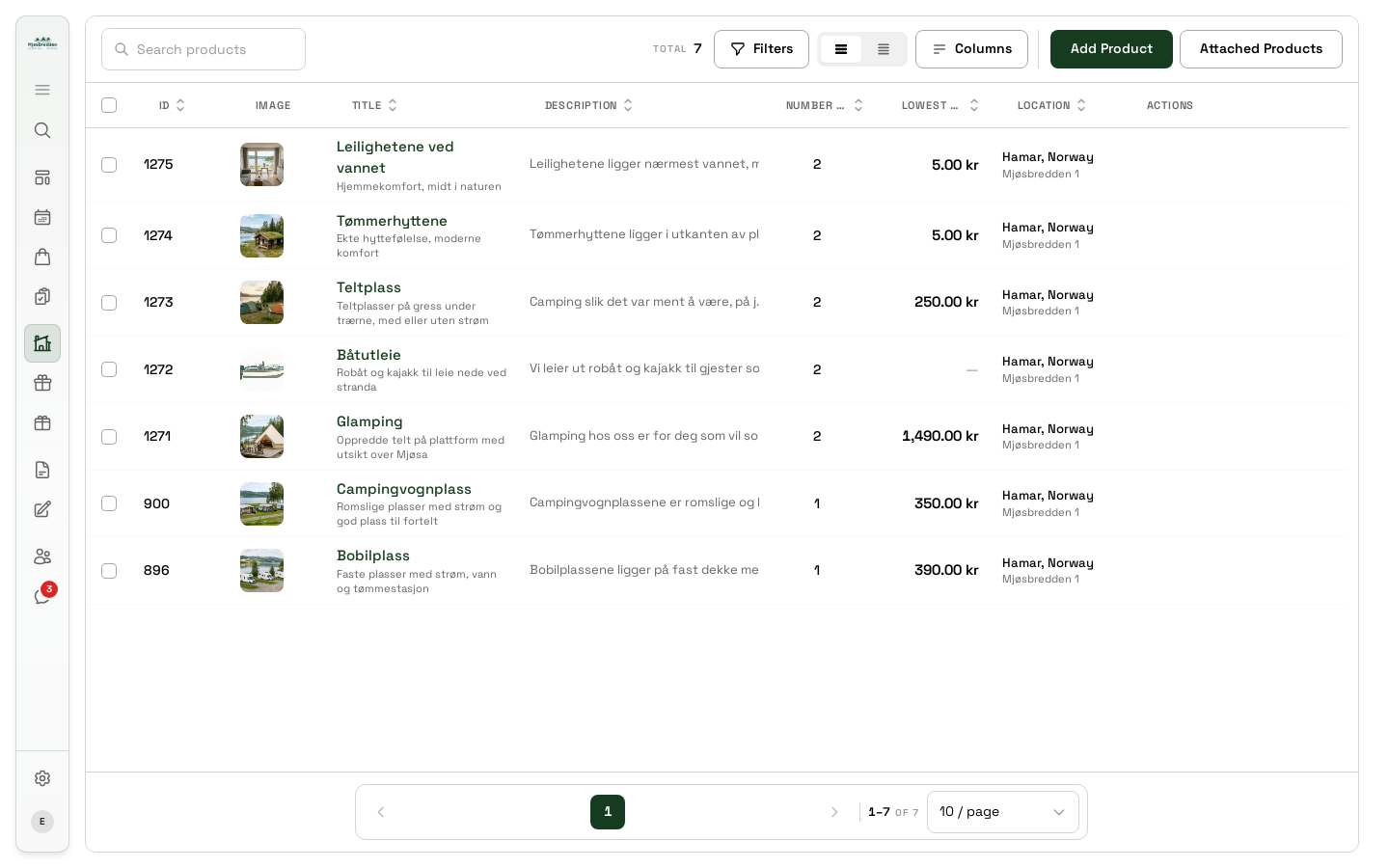
Find the channel manager for a product
- Choose Products in the menu on the left.
-
Tap the product you want to connect.
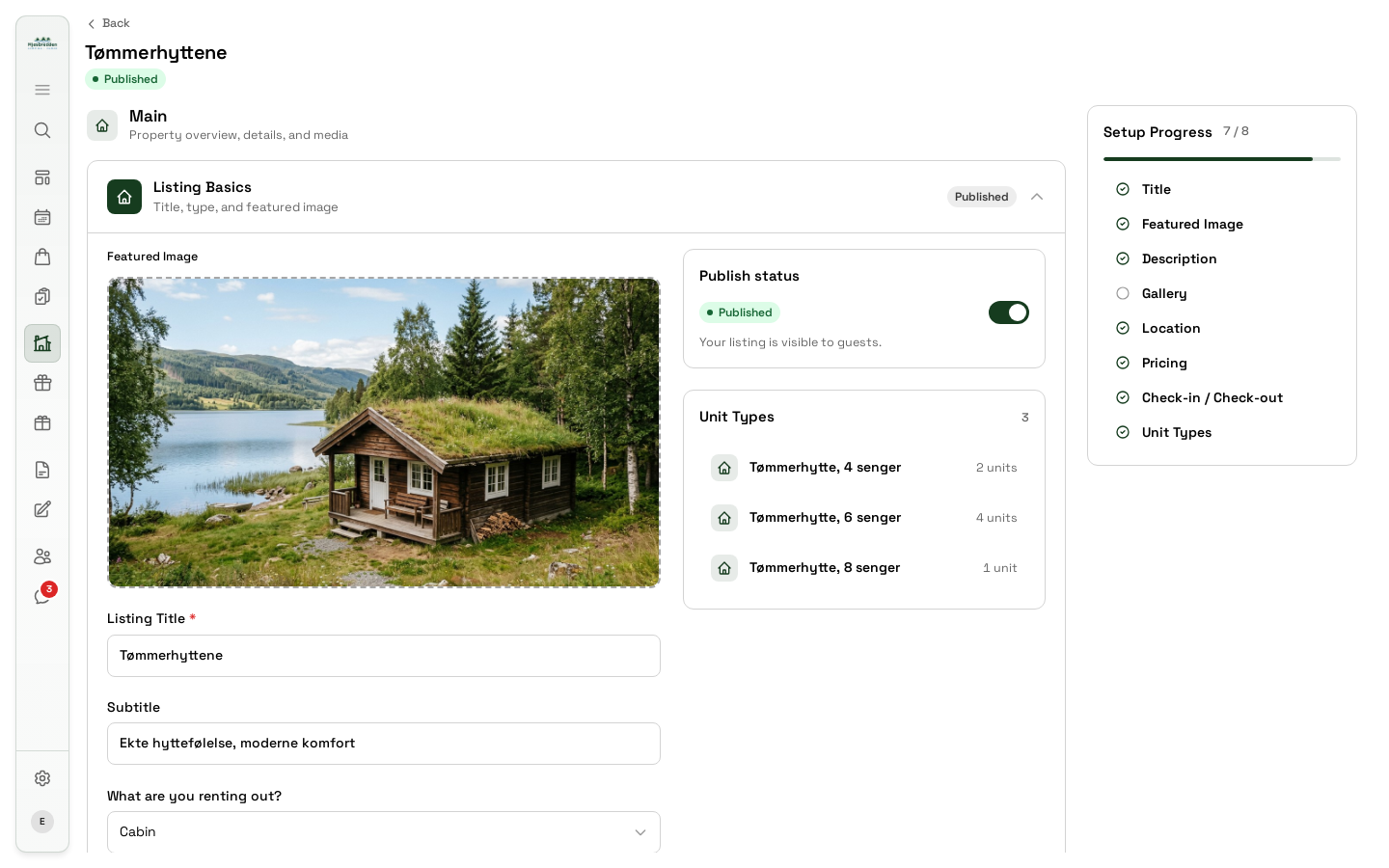
-
Scroll down to Distribution and tap Channel Manager.

Connect the product
- If it says Not connected, tap Connect Property.
-
When the product is connected, it says Connected at the top. Tap Open channel manager.

-
The channel manager opens in a window inside Bokable.
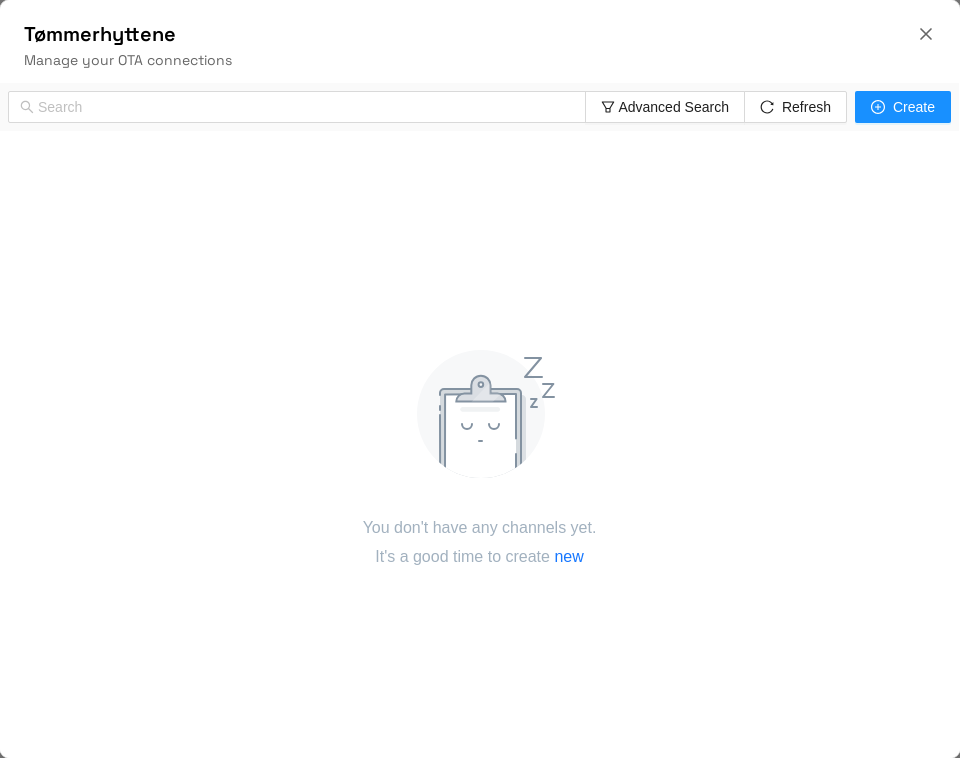
What you see when the product is connected
- Channels, Unit Types, Rate plans and OTA Bookings show how much is set up, and how many bookings have come in from the channels.

- Under Rate plans, each unit type is listed with its rate plans. Add Rate Plan creates a new one.
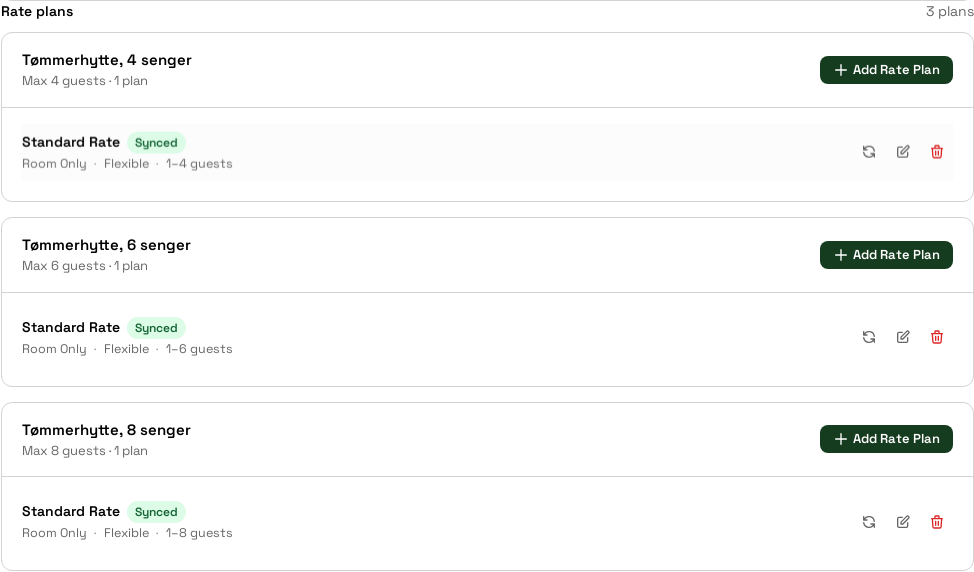
- Sync now sends updated data to the channel manager straight away.
- Disconnect removes the link to the channel manager.

Good to know
- With Guest messaging switched on, you can reply to guests from Airbnb, Booking.com and Expedia straight from the inbox. The channel manager bills this monthly per property.
- In Orders, bookings from the channels are marked with the channel they came from, for example Booking.com. Use the Channel filter above the list to see bookings from one channel only.
- For unit types connected to Airbnb, the rate plan in the channel manager can send its own guest pricing to Airbnb under Airbnb guest pricing: how many guests are included, and a fee per extra guest per night. With Test only, what would be sent is calculated and logged without changing anything on Airbnb. The fields show once the rate plan is saved.