Turnover days and buffer between guests
If you need time for cleaning or maintenance between two guests, you can keep the unit free before and after each stay. Other guests can't book those days.
How to do it
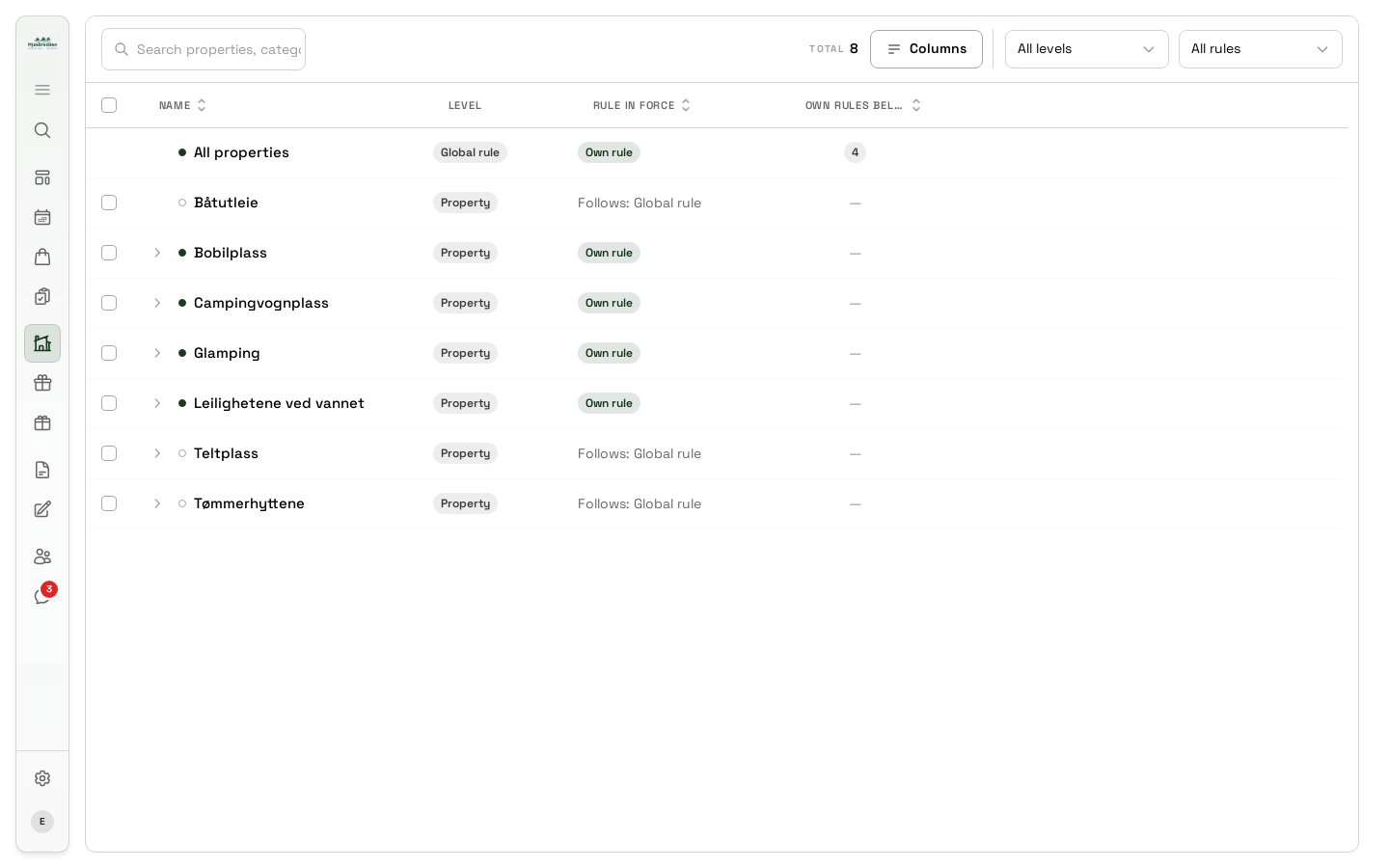
- Choose Products in the menu on the left, then Booking rules.
-
Click the level that should have turnover days, for example All properties or one product.
-
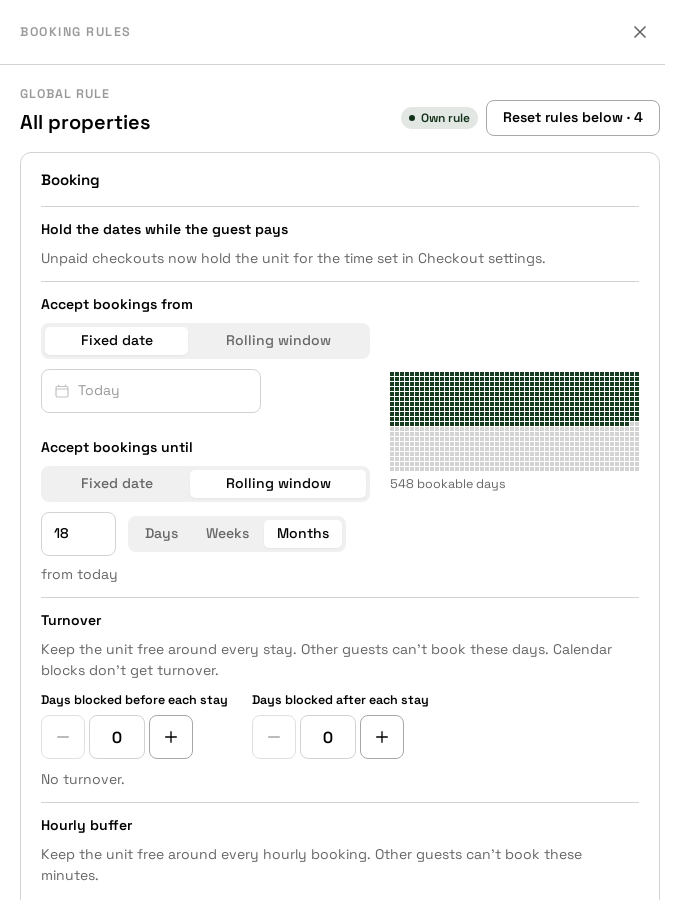
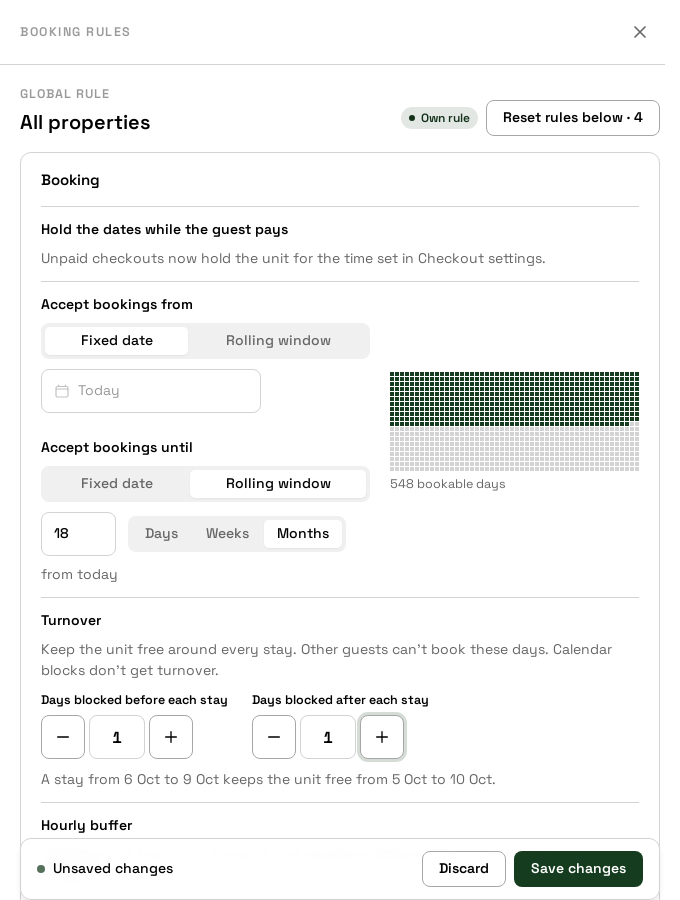
Under Turnover, set Days blocked before each stay and Days blocked after each stay.
- Below the fields you see an example of which days are kept free. Check that it is right.
-
Click Save changes at the bottom of the panel.
Buffer for hourly rentals
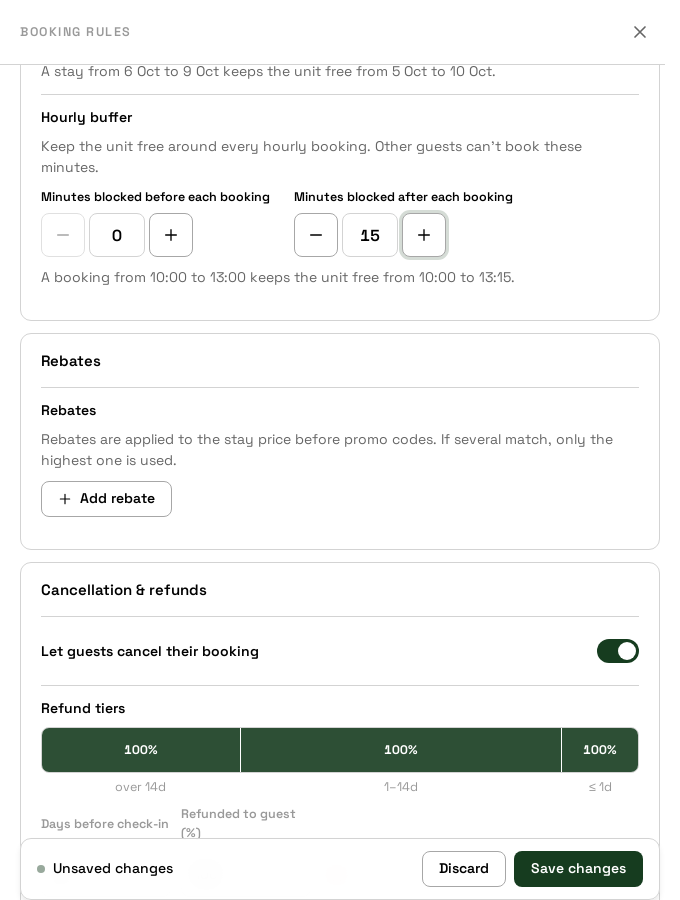
For units rented out by the hour, use Hourly buffer. There you set how many minutes are kept free before and after each hourly booking. The example below the fields shows which time is kept free.
Good to know
- If the level has no rule of its own, first click Give this level its own rule.
- When you close a unit in the calendar, no turnover days are added around the closure.