Who can book, when and for how long
Watch it in a short video
The video was checked against the admin on 5 November 2026.
The booking rules decide how far ahead guests can book, whether they can cancel and get money back, and what they can change themselves. You can have one rule for the whole place and separate rules for some products.
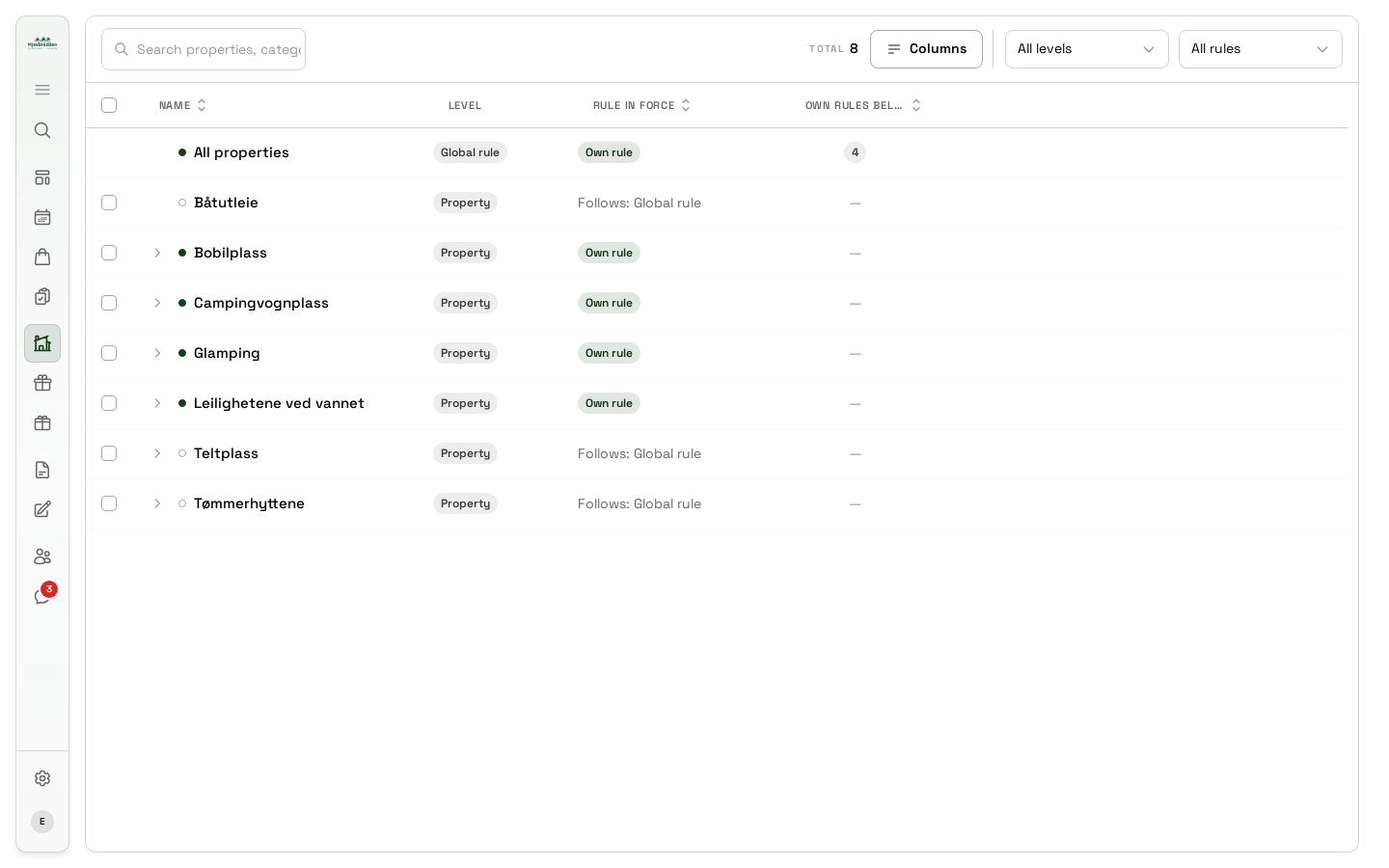
How the rules are set up
- Choose Products in the menu on the left, then Booking rules.
- At the top is All properties. This is the global rule, which applies everywhere you haven't set something else.
-
Your products are listed below. The Rule in force column shows whether a product has an Own rule or Follows: Global rule.
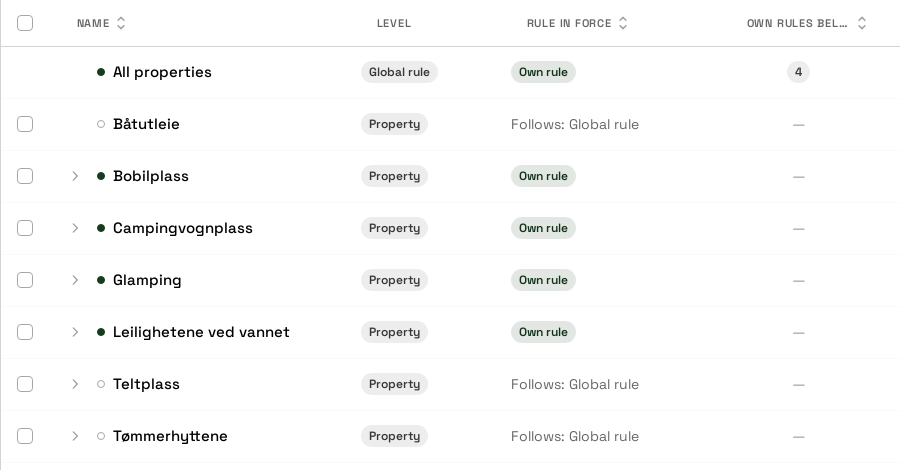
-
Click a product to see the rule that applies there.
-
If you want the product to have different rules from the rest, click Give this level its own rule.
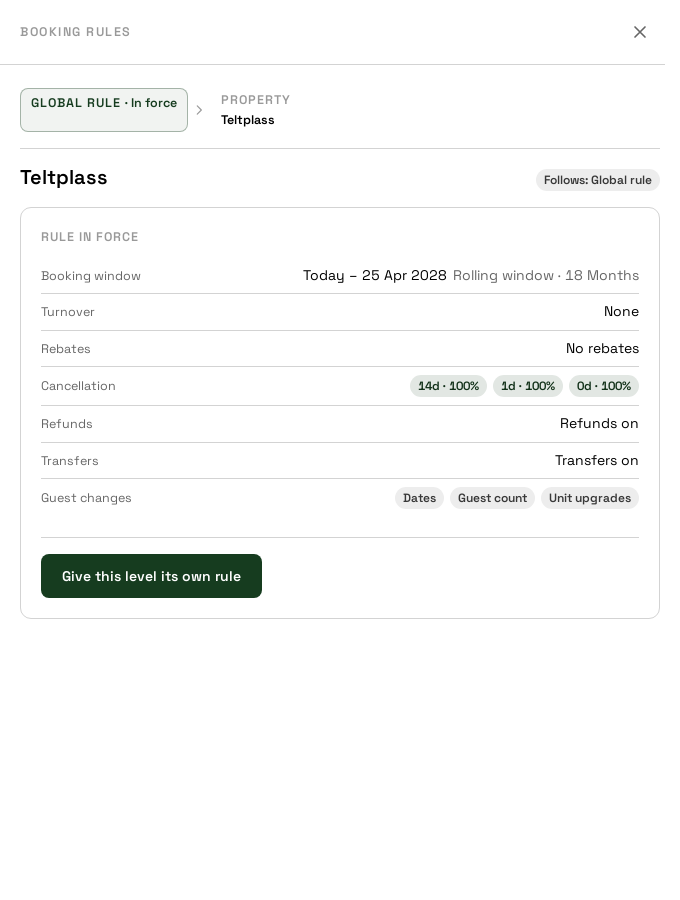
Change a rule
-
Click the level with an Own rule, for example All properties.
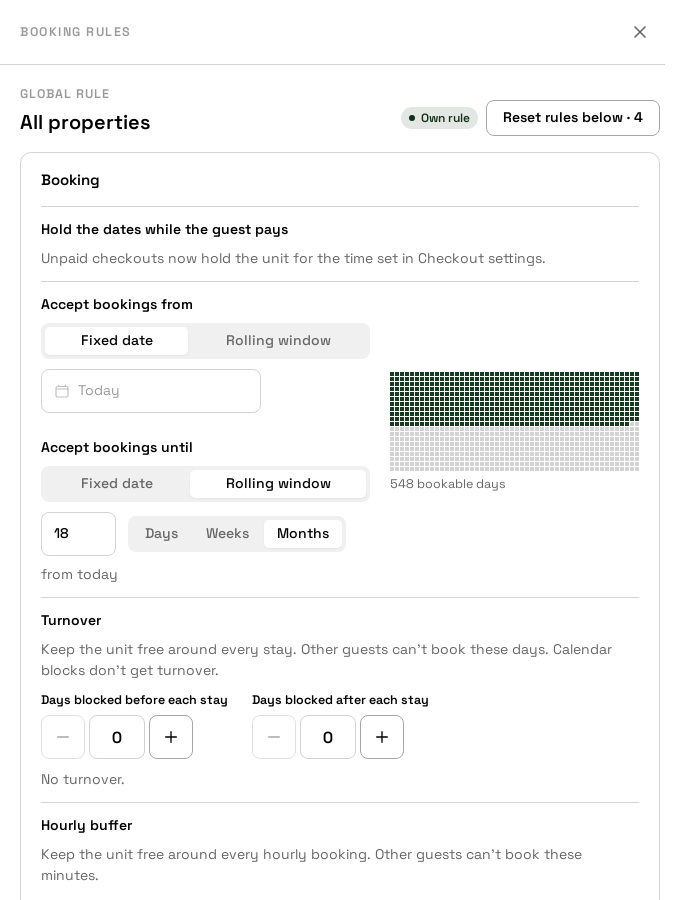
-
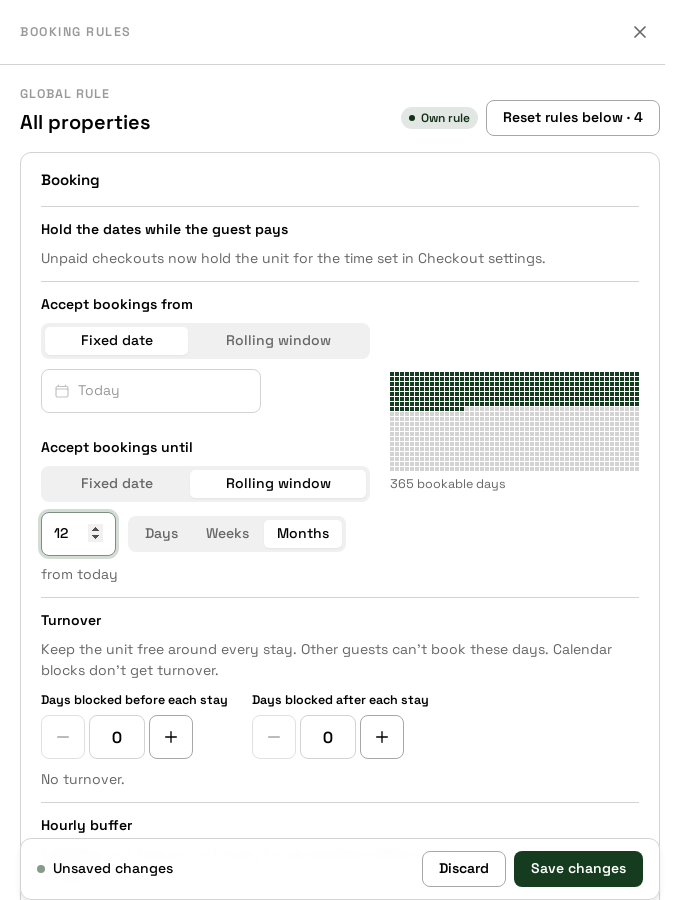
Make the changes you want. A bar showing Unsaved changes appears at the bottom of the panel.
-
Click Save changes, or Discard to undo.
What you can control
- Accept bookings from and Accept bookings until: from and until which date guests can book. With Rolling window the limit moves every day, for example 18 months ahead from today.
- Turnover: days kept free before and after each stay.
- Rebates: automatic rebates for early bookings, last-minute bookings and long bookings.
- Cancellation & refunds: whether guests can cancel, and how much they get back.
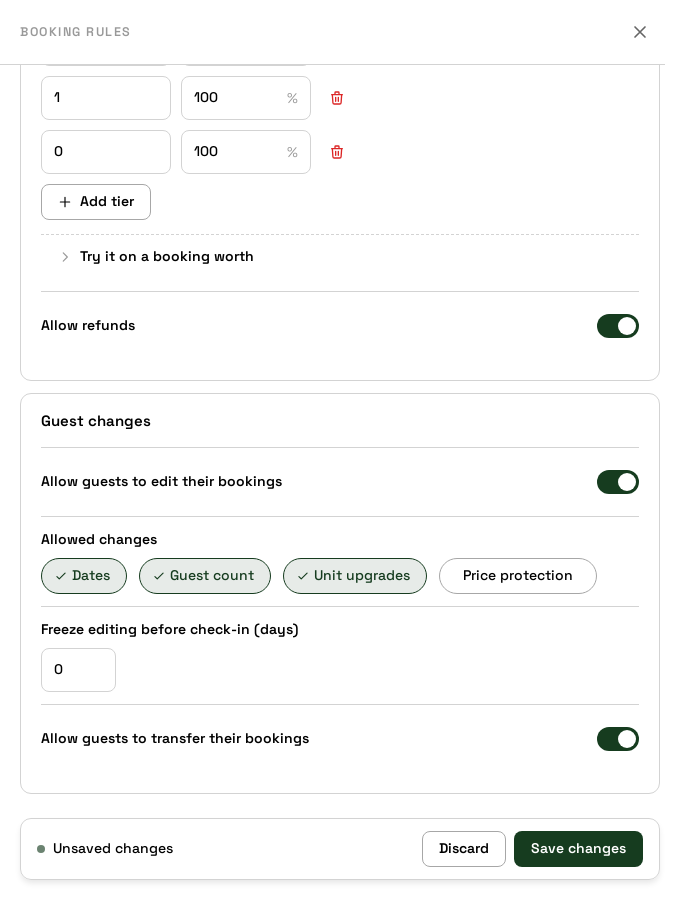
- Guest changes: whether guests can change dates, guest count or upgrade their unit themselves, and how many days before check-in editing closes.
- Guest guide: the texts guests see at check-in and check-out. Click Preview as guest to see the guide the way guests do. Read more in Check-in and check-out with the guest guide.
Good to know
- How long an unpaid booking holds the dates is set in the checkout settings.
- Reset rules below removes the own rules on the levels below, so they follow the rule you are on.