Set the base price and VAT
The base price is the price per night for a unit type when no price period applies. All prices are set in Price module, with VAT included.
How to do it
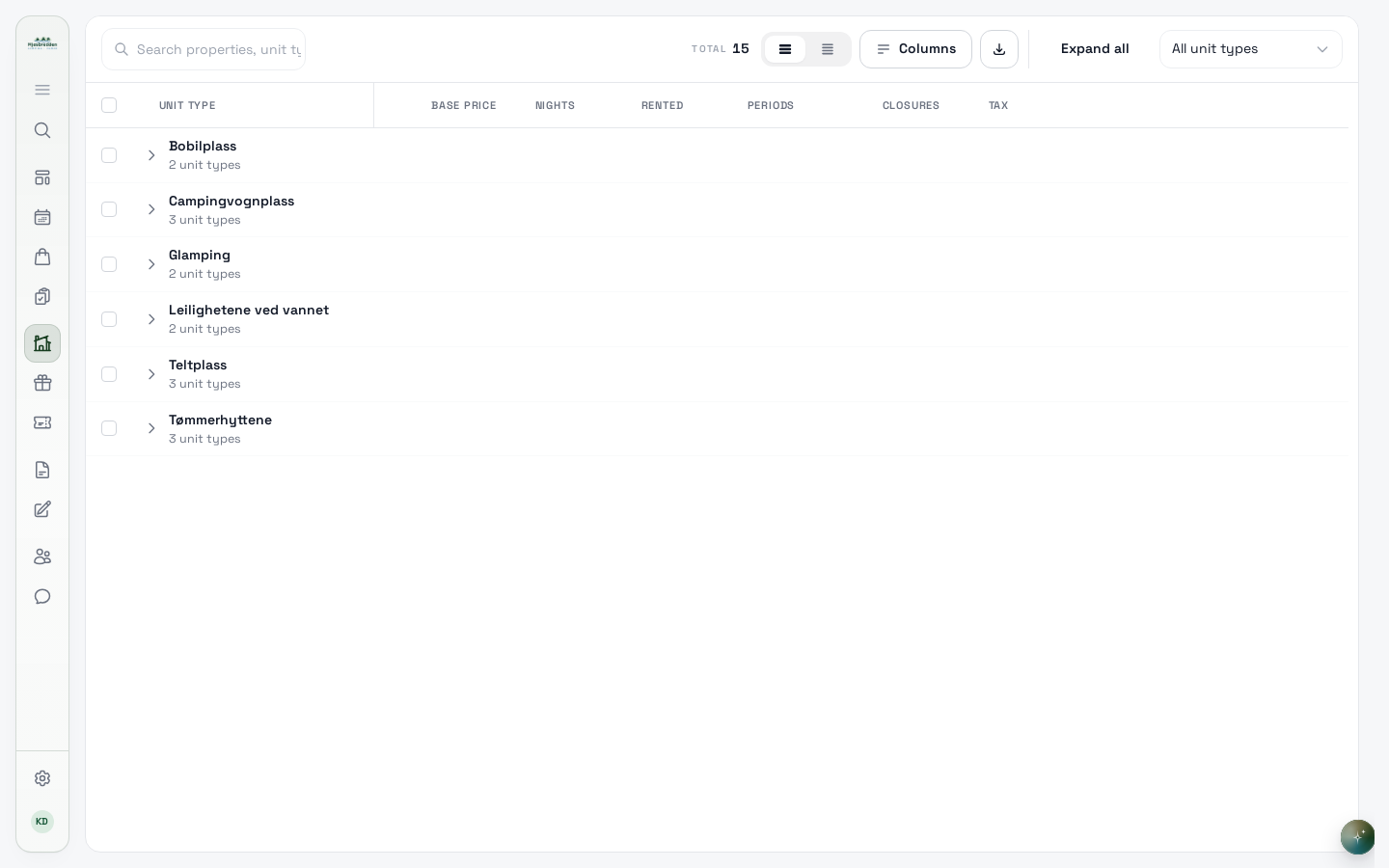
- Choose Products in the menu on the left, then Price module.
-
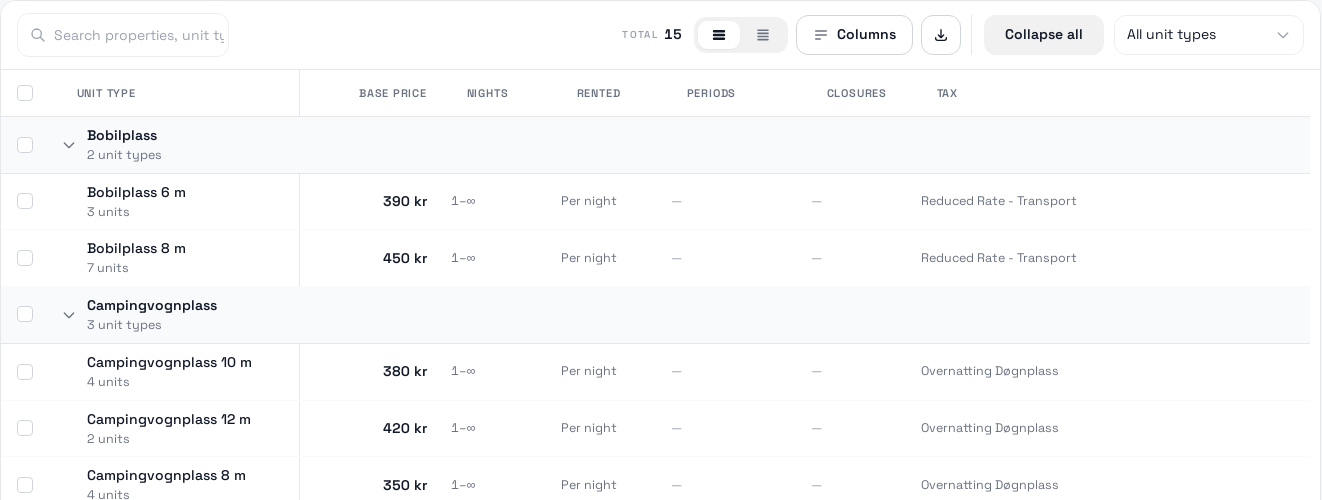
The list shows all your products. Click Expand all to see the unit types under each product.
-
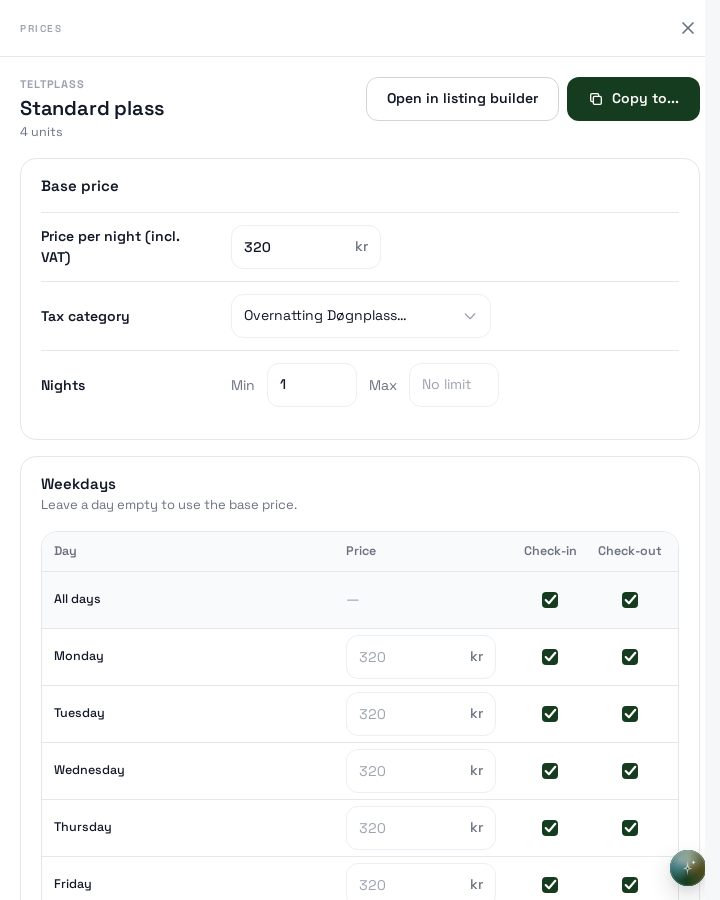
Click the unit type you want to price. The prices open on the right.
-
Enter the Price per night (incl. VAT).
- Choose the Tax category. It decides which VAT rate is used.
- Under Nights, set the shortest and longest stay. Leave Max empty if there is no limit.
-
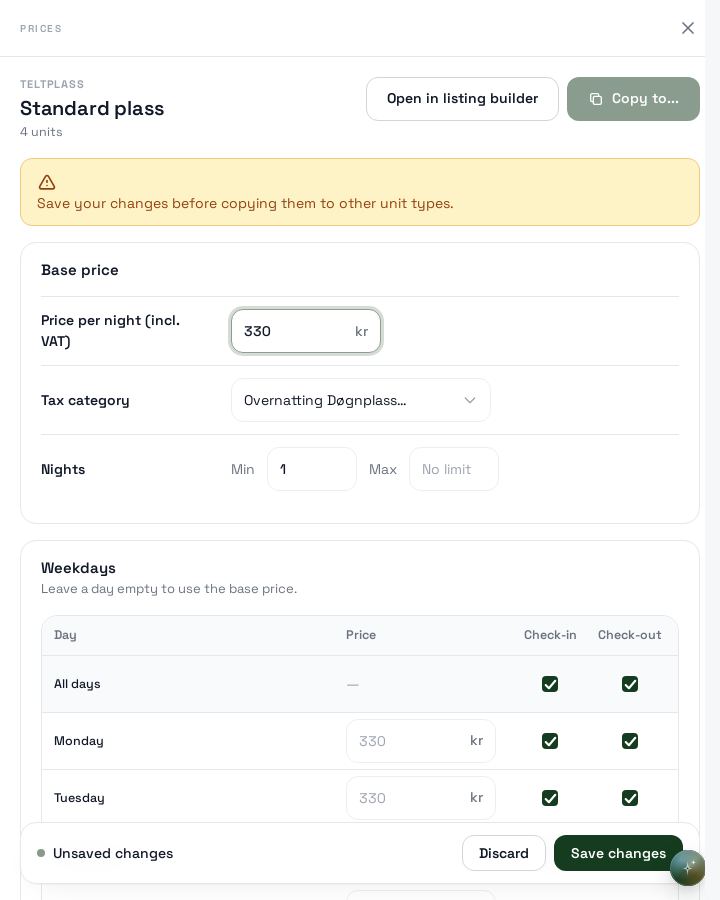
Click Save changes at the bottom of the panel. To undo, click Discard.
Price and arrival per weekday
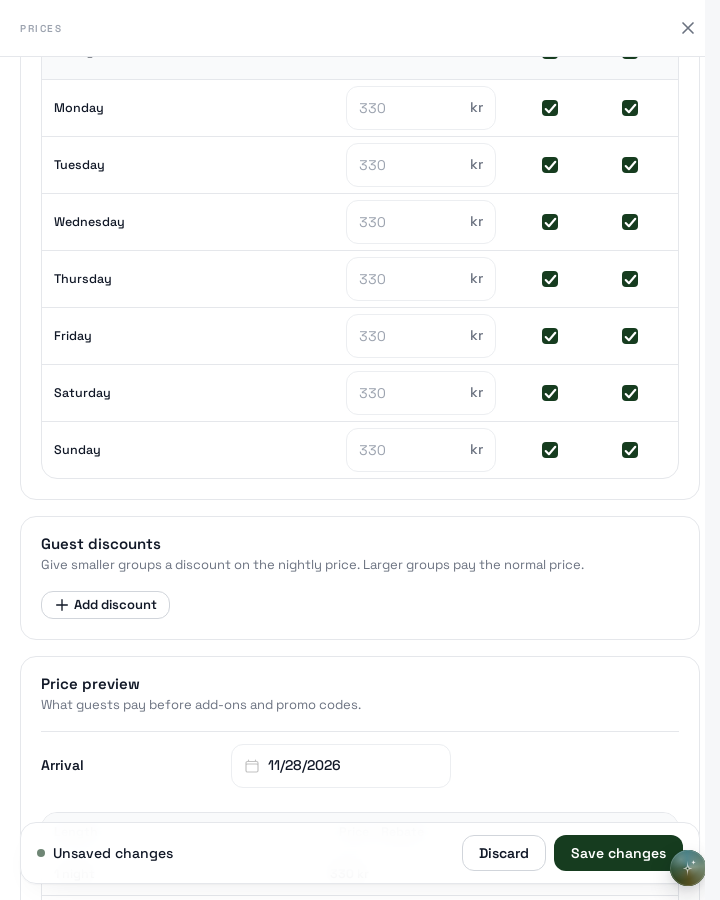
Under Weekdays you can set a different price on some days, for example a higher price on Friday and Saturday. If you leave a day empty, the base price applies.
In the same table each weekday has a tick box for Check-in and one for Check-out. The All days box ticks or clears them for the whole week.
Discount for small groups
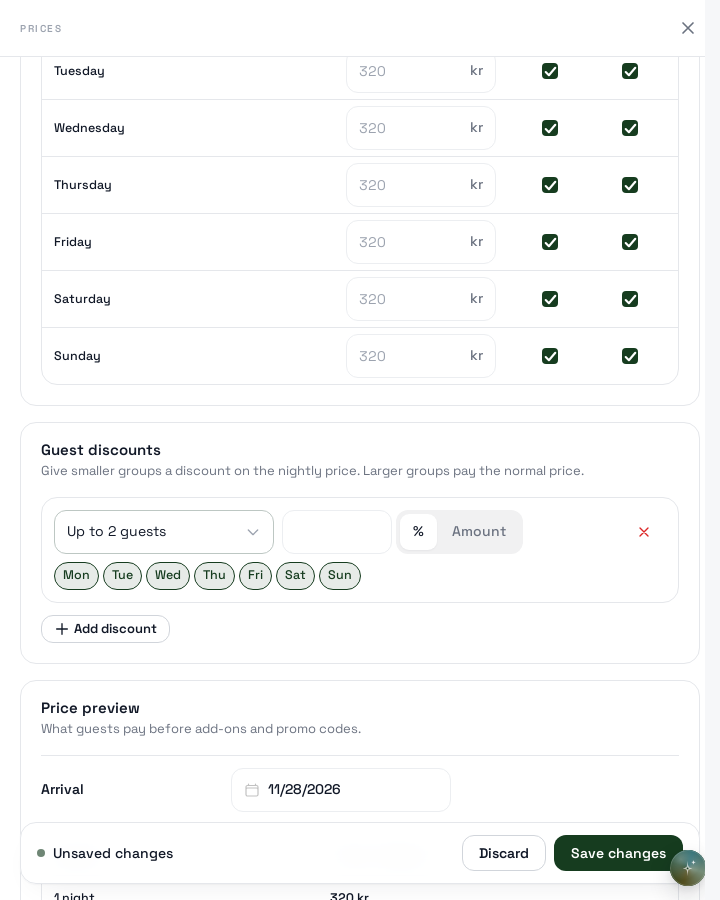
Under Guest discounts you can give smaller groups a lower nightly price. Larger groups pay the normal price.
- Click Add discount.
- Choose the group size the discount is for, for example Up to 2 guests.
- Enter the discount.
- Choose % or your currency.
- Choose which weekdays the discount applies to. Next to it you see an example of the price before and after the discount.
- Click Save changes.
Once the discounts are saved, you can pick the number of Guests under Price preview to see what the price is for that group. The cross next to a discount removes it.
What the guest sees
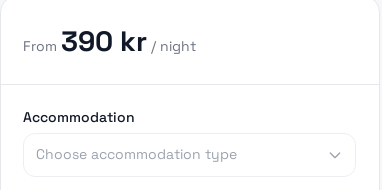
On the product page the guest sees the lowest price, for example «From 390 kr / night».
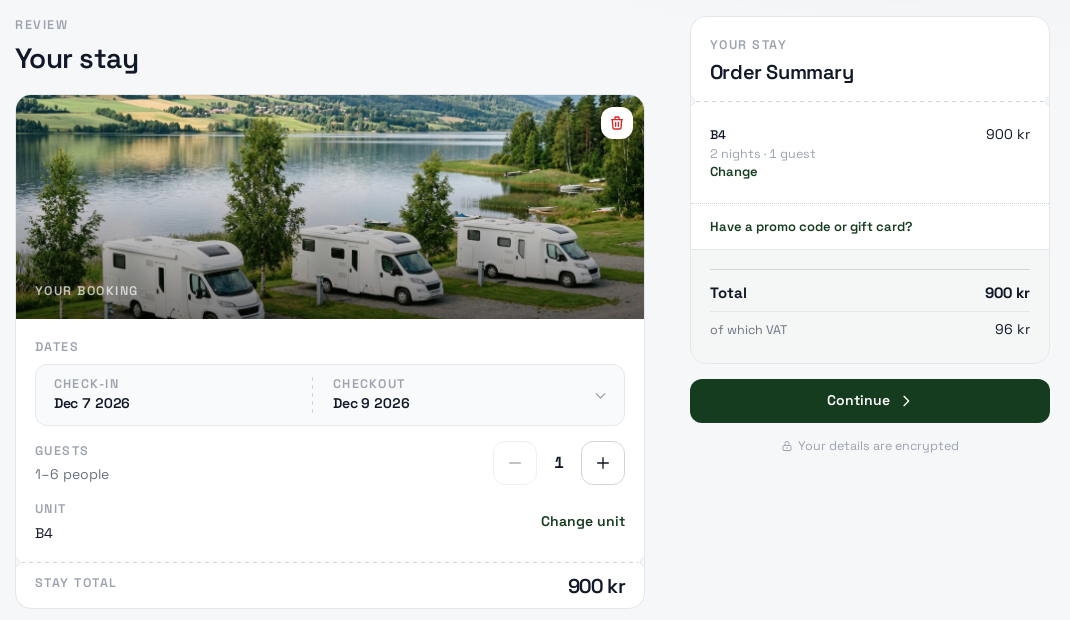
Once they pick an accommodation type and dates, the cart shows the total for the whole stay, VAT included.
Good to know
- With Copy to... you can use the same prices for other unit types. Save first.
- Prices for specific dates, such as summer or Christmas, are added as price periods.
- You must save a base price before you can add price periods.
- A price period can have its own guest discounts. See Seasonal prices and periods.