Seasonal prices and periods
Watch it in a short video
The video was checked against the admin on 5 November 2026.
A price period gives a different price for a set time, for example the summer season, Easter or Christmas. On the dates in the period, the period price applies instead of the base price.
How to create a price period
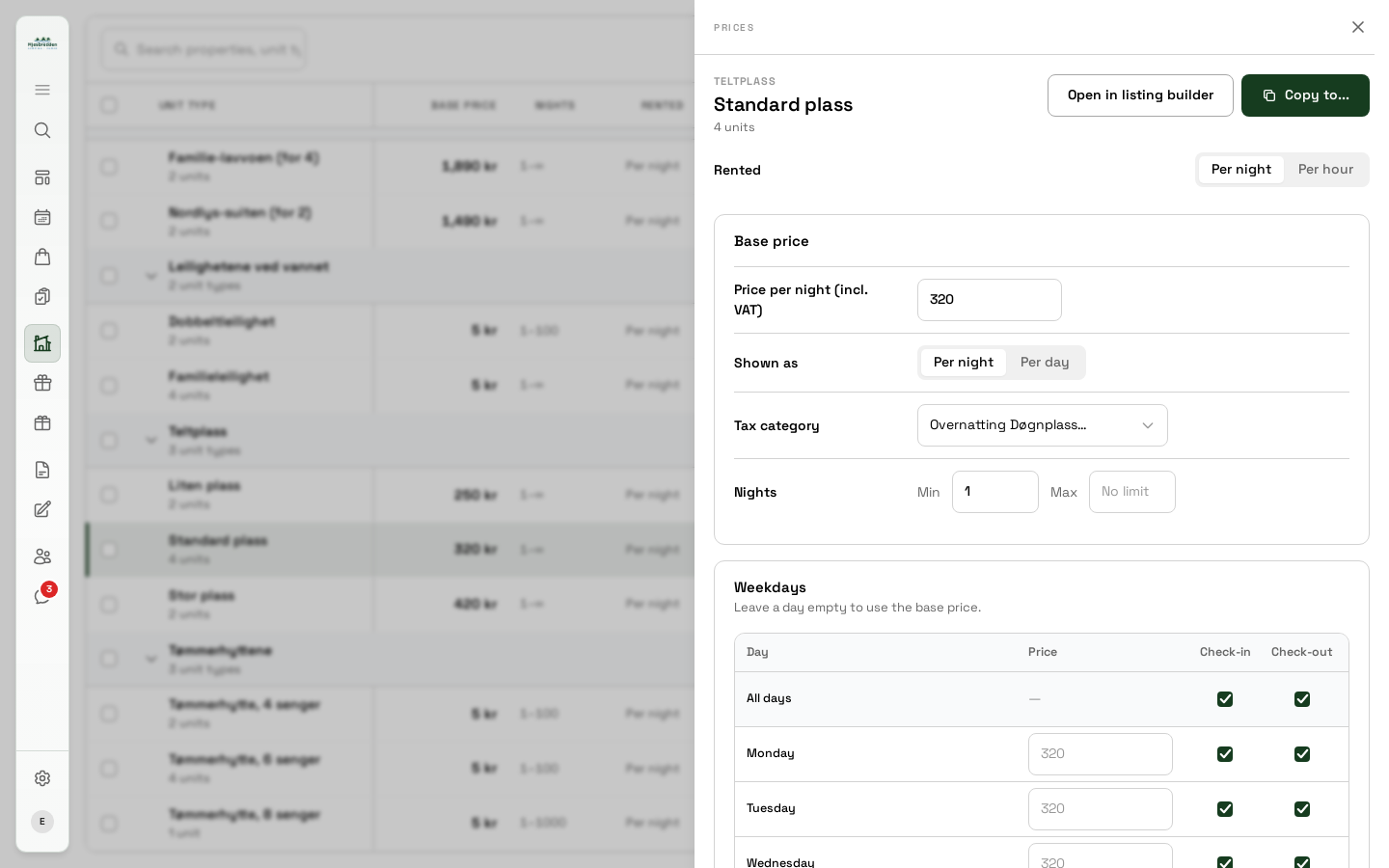
- Choose Products in the menu on the left, then Price module.
- Click the unit type. The prices open on the right.
-
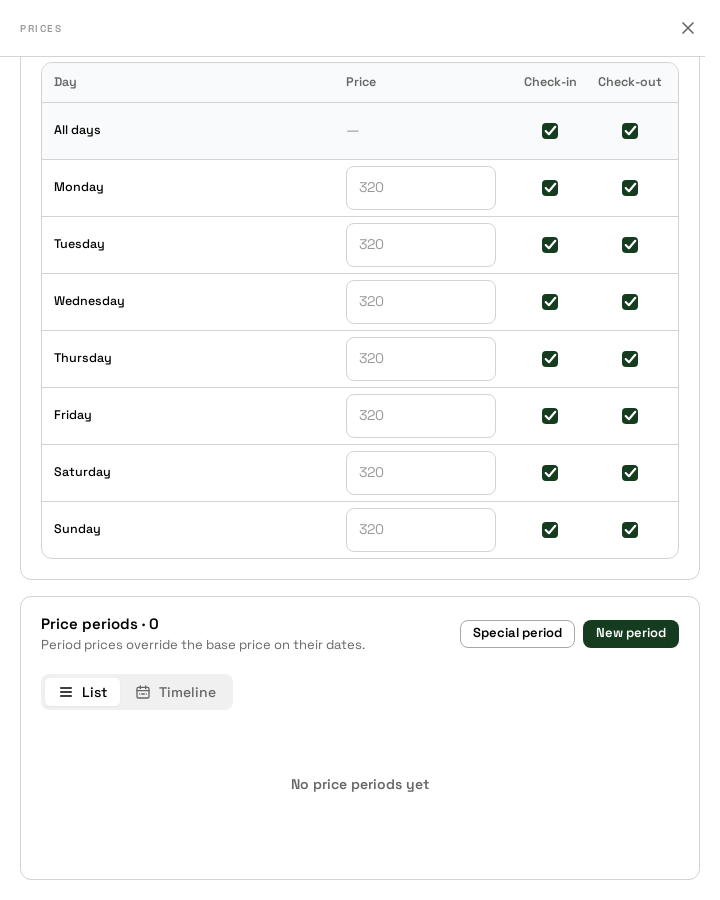
Go down to Price periods and click New period.
-
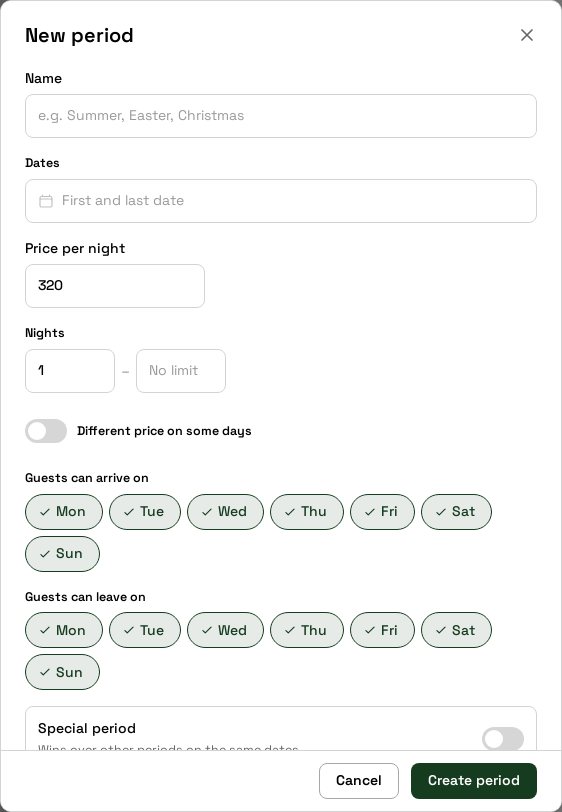
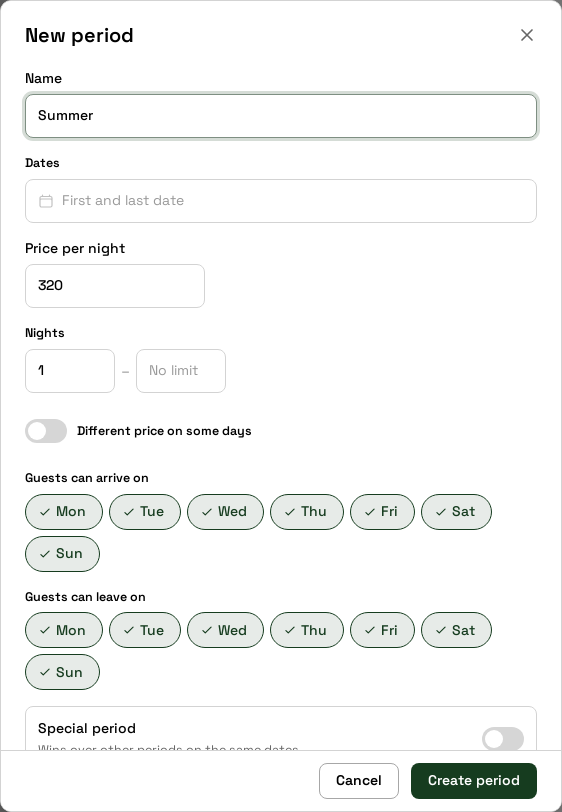
Give the period a name, for example "Summer".
-
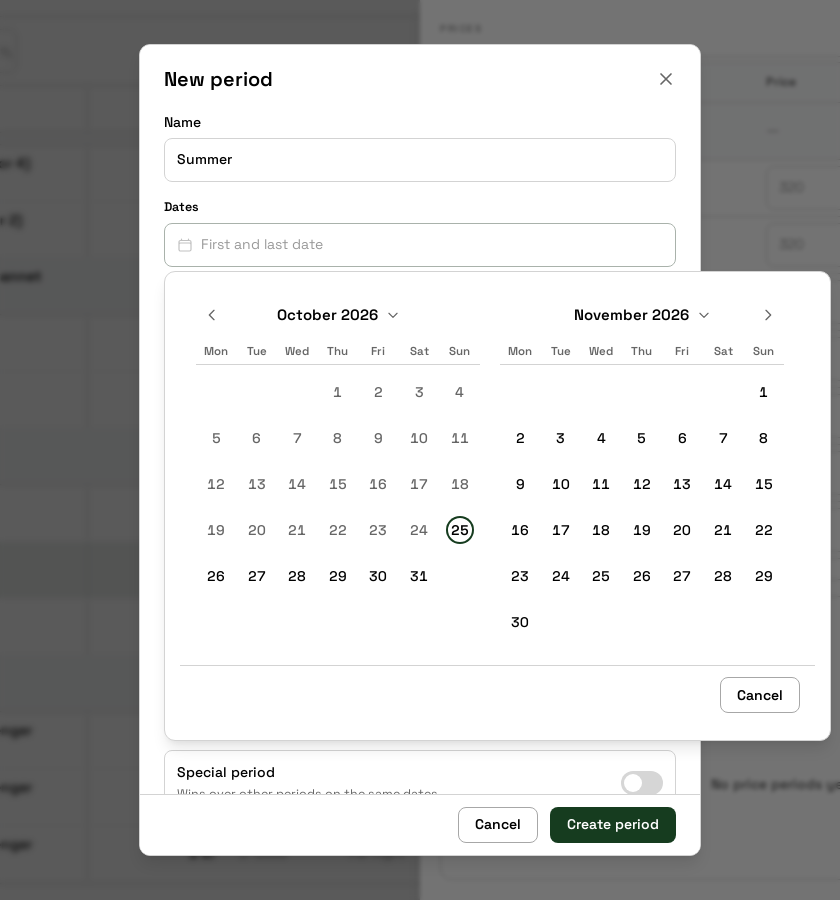
Click Dates.
-
Choose the first and last date in the calendar.
-
Enter the Price per night for the period.
- Set the shortest and longest stay under Nights if the period has different requirements.
-
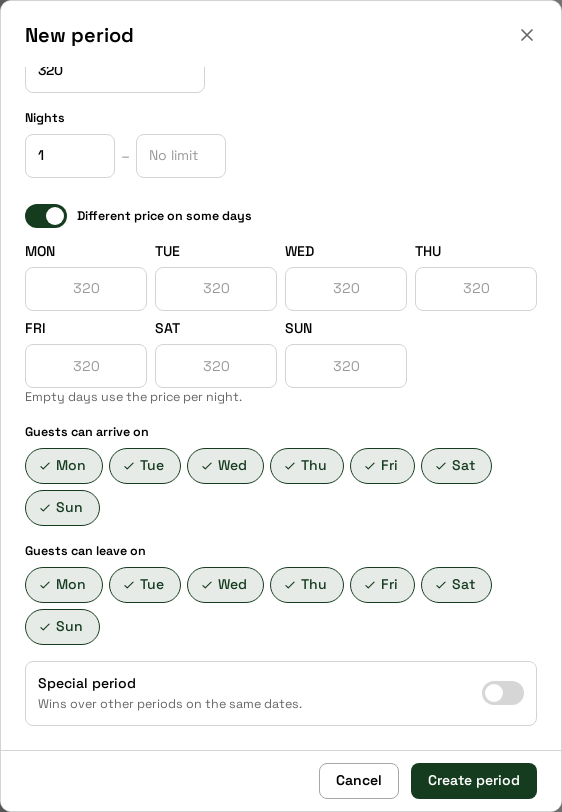
Choose which days guests can arrive and leave during the period.
-
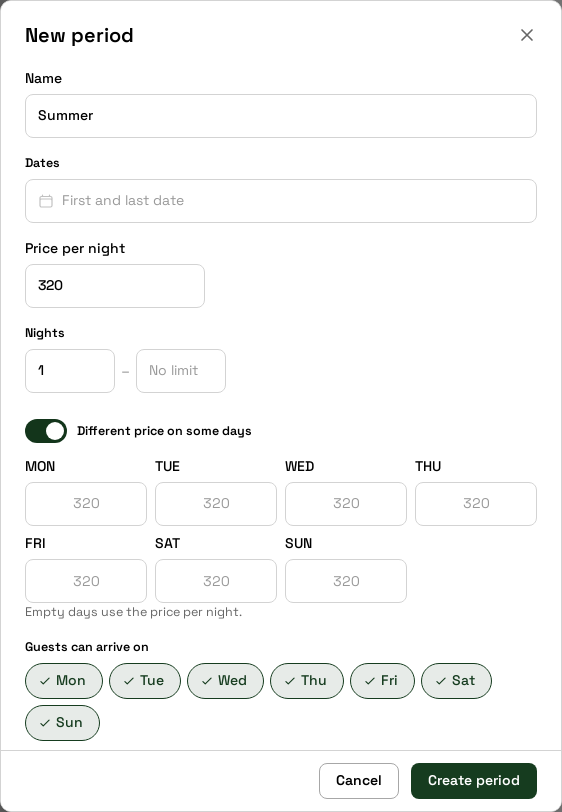
Turn on Different price on some days if some weekdays should have their own price.
-
Fill in the prices. Empty days use the price per night.
-
Click Create period.
Good to know
- A Special period wins over other periods on the same dates. Use it for short exceptions, such as a festival weekend in the middle of the summer season.
- You must have saved a base price before you can add periods.
- A period can have its own Guest discounts for smaller groups, the same way as the base price. See Set the base price and VAT.
- Switch between List and Timeline to see the periods as a list or on a timeline.
- Click a period to change it, or click the bin to delete it.