View and download the invoice for a booking
Every booking has an invoice. It shows what the guest has paid, and you can download it as a PDF.
How to do it
-
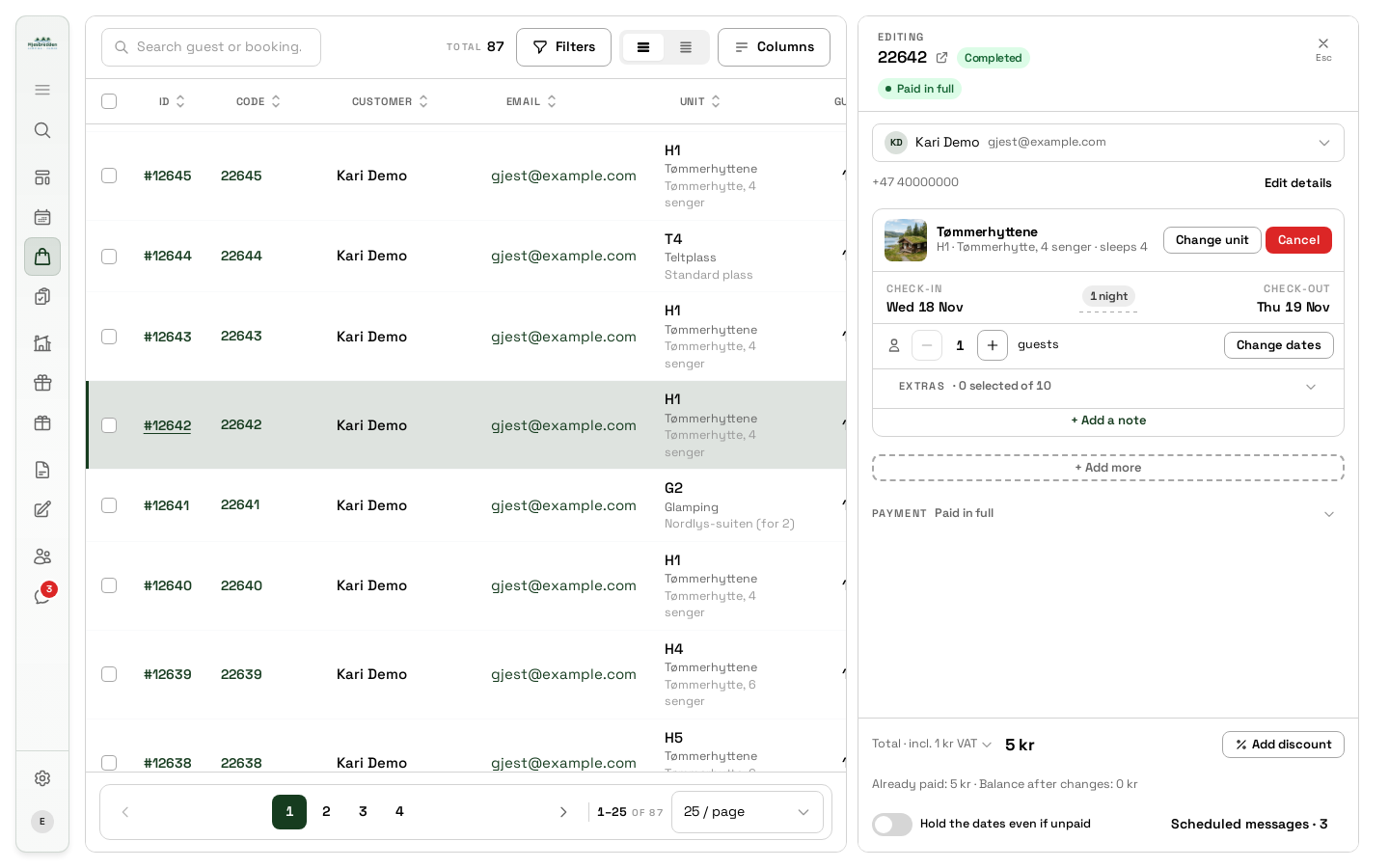
Find the booking under Orders and tap it.
-
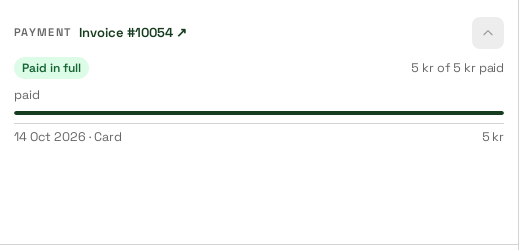
Tap the arrow at the far right of the Payment line to open the payment section. The invoice number is at the top, for example Invoice #10054.
-
Tap the invoice number. The invoice opens.
-
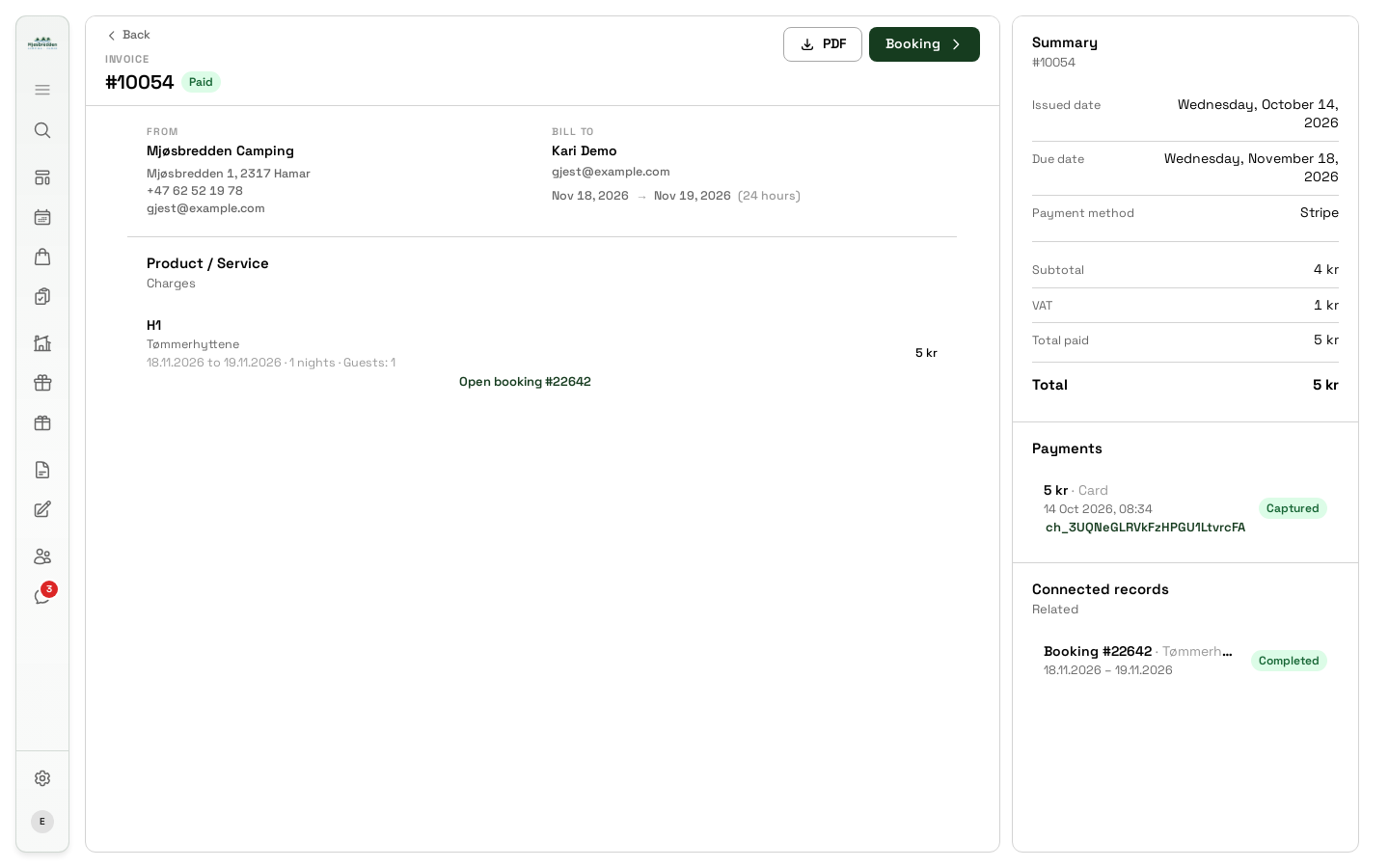
Tap PDF at the top to download the invoice. Booking takes you back to the booking.

What the invoice shows
- From and Bill To: your business and the guest, with the dates of the stay.
- Product / Service: what the guest has bought, with the price.
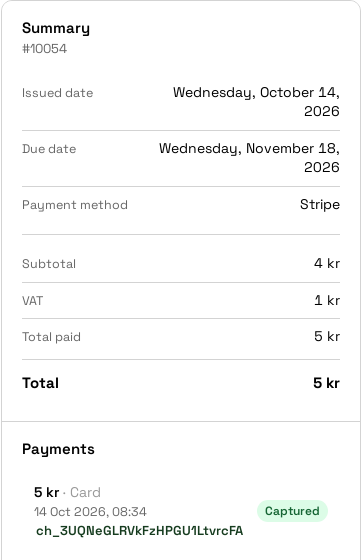
- Summary: issued date, due date, payment method, VAT and total.
- Payments: each payment, with date and payment method.
- Connected records: the booking the invoice belongs to.
Good to know
- If you change a booking, the invoice is updated when you save.