Refund all or part of a booking
If you cancel the booking, the guest is refunded what the cancellation rules allow. For a partial refund, you lower the price.
Cancel and refund
-
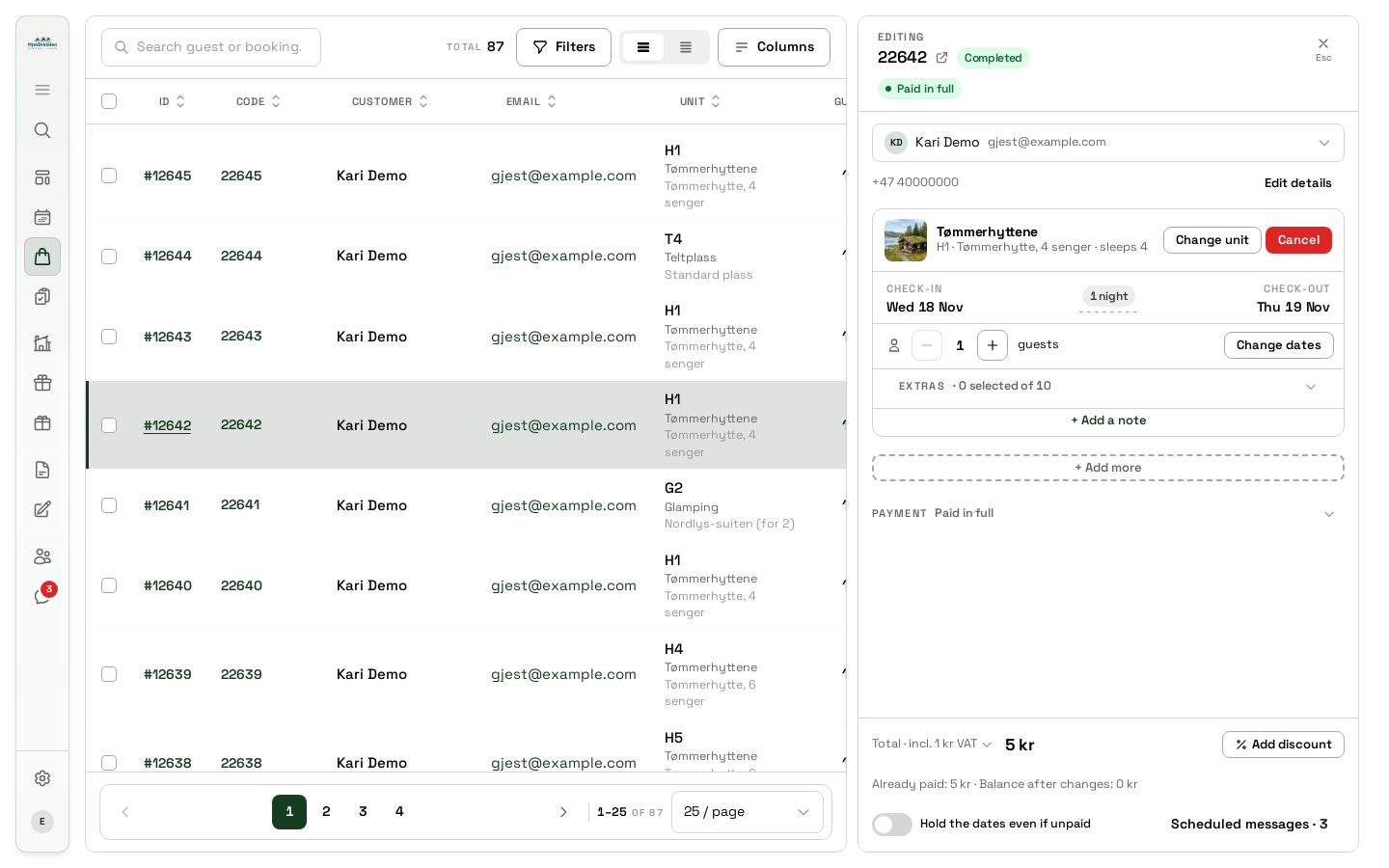
Find the booking under Orders and tap it.
-
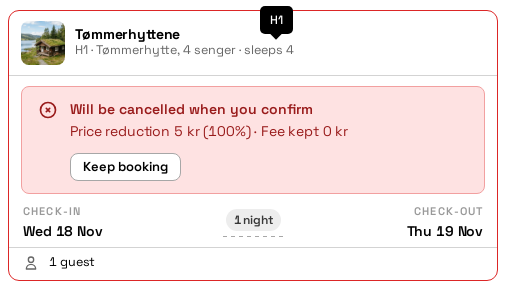
Tap Cancel on the unit. The unit is marked "Will be cancelled when you confirm". It shows the price reduction and how much of any fee you keep.
-
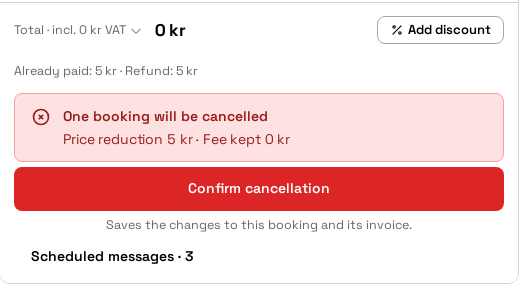
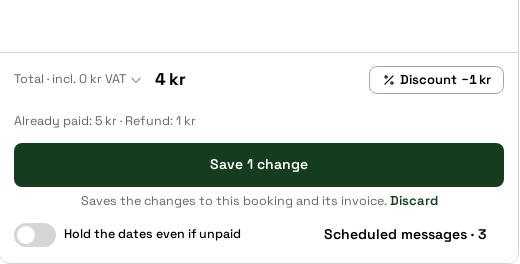
Check the amount at the bottom. It shows what the guest has already paid and how much is refunded. Then tap Confirm cancellation.
If you change your mind before confirming, tap Keep booking.
Refund part of the amount
- Open the booking and tap Add discount.
-
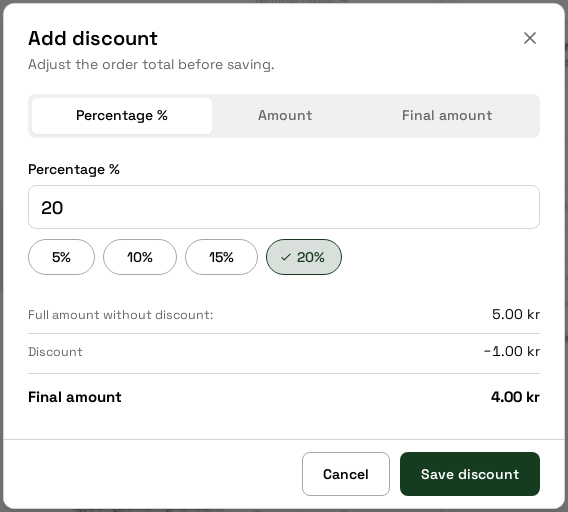
Choose a percentage, amount or final amount, and tap Save discount.
-
Total now shows how much is refunded. Tap Save at the bottom of the booking.
Good to know
- The cancellation fee follows the cancellation rules you have set up.
- If the order has several units, you can cancel one of them and keep the rest.
- A cancelled booking cannot be moved or get a new unit afterwards.