Give a discount on a booking
Watch it in a short video
The video was checked against the admin on 5 November 2026.
You can lower the price of a booking by a percentage, by a fixed amount, or by typing in what the guest should pay in total.
How to do it
-
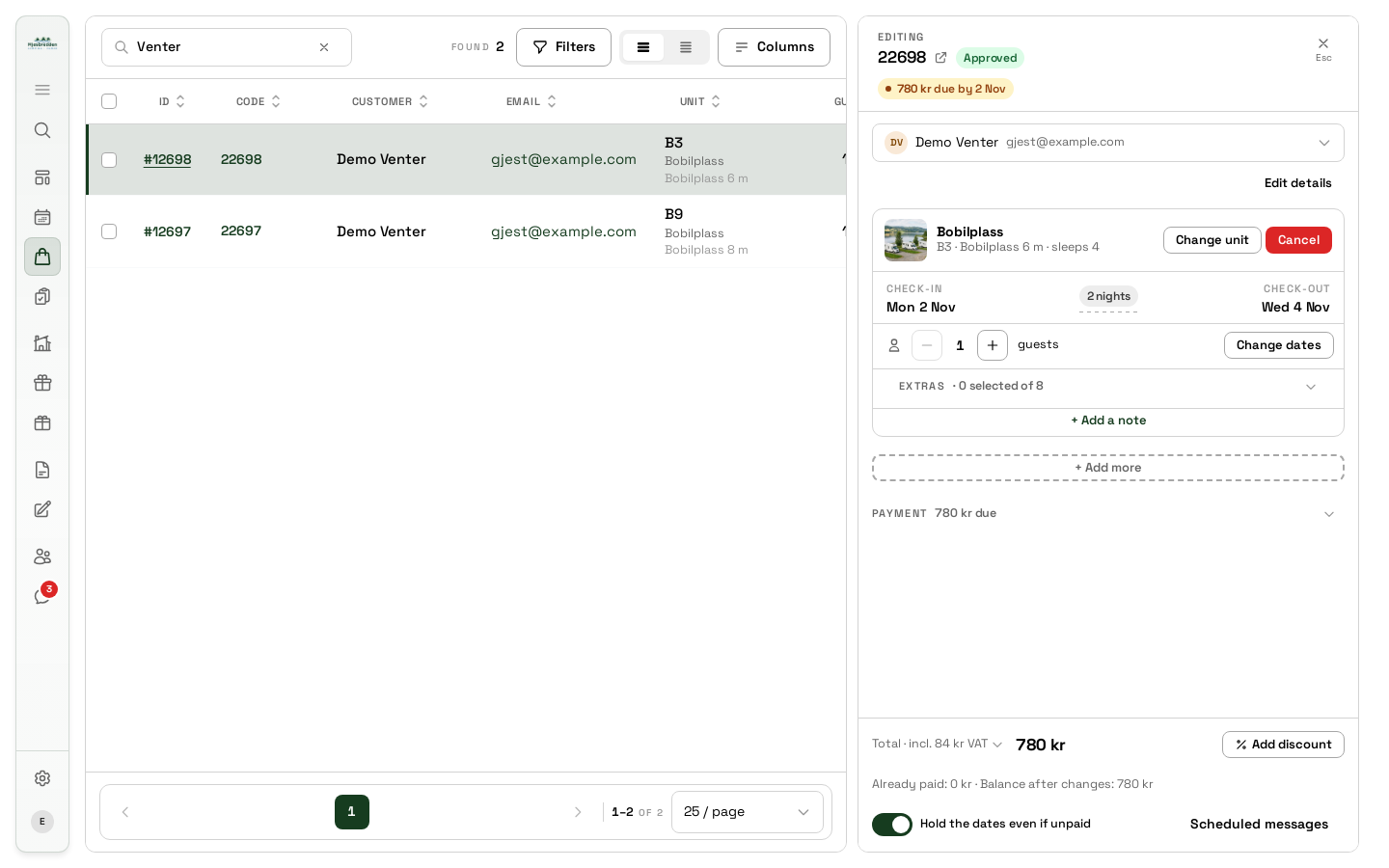
Find the booking under Orders and tap it.
-
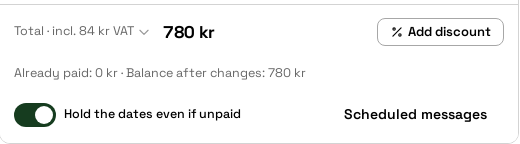
Tap Add discount at the bottom of the panel.
-
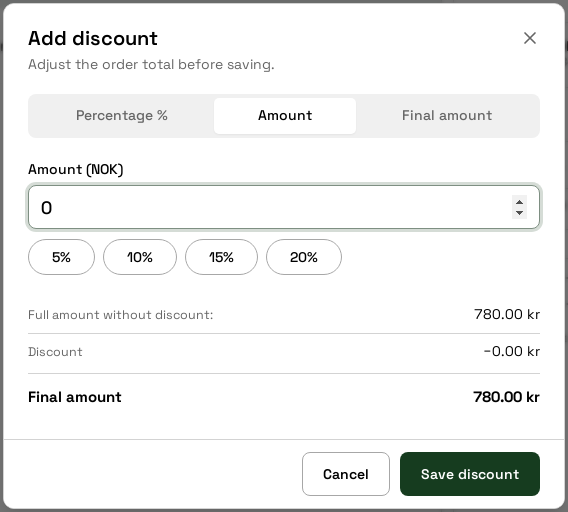
Choose how to give the discount. The window opens on Amount.
- Percentage % gives a discount as a percentage of the price.
- Amount takes off a fixed amount in kroner.
- Final amount sets what the guest should pay in total.
-
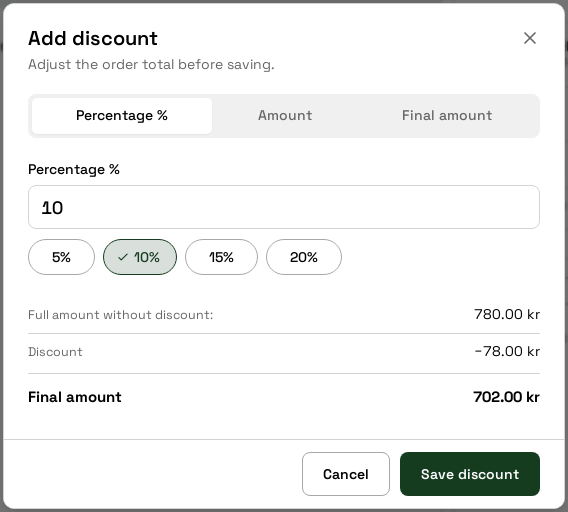
Type in the number, or tap one of the buttons 5%, 10%, 15% or 20%. At the bottom you see the full amount, the discount and the final amount. Then tap Save discount.
-
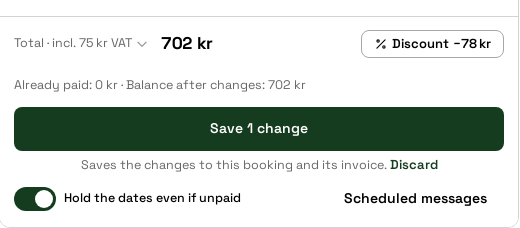
Tap Save at the bottom of the booking to use the new price. If you change your mind, tap Discard.
Good to know
- The discount does not apply until you have saved the booking. The invoice is updated at the same time.
- If the guest has already paid, Total shows how much is to be refunded.
- You can also give a discount when you create a new booking.