Choose how invoice, order and gift card numbers are written
Under Numbering you decide how the numbers on invoices, orders, confirmation codes and gift cards look, for example with the year in front or a prefix. Numbers that are already issued never change.
How to do it
- Tap Settings (the gear) at the bottom of the left-hand menu.
-
Choose Numbering.
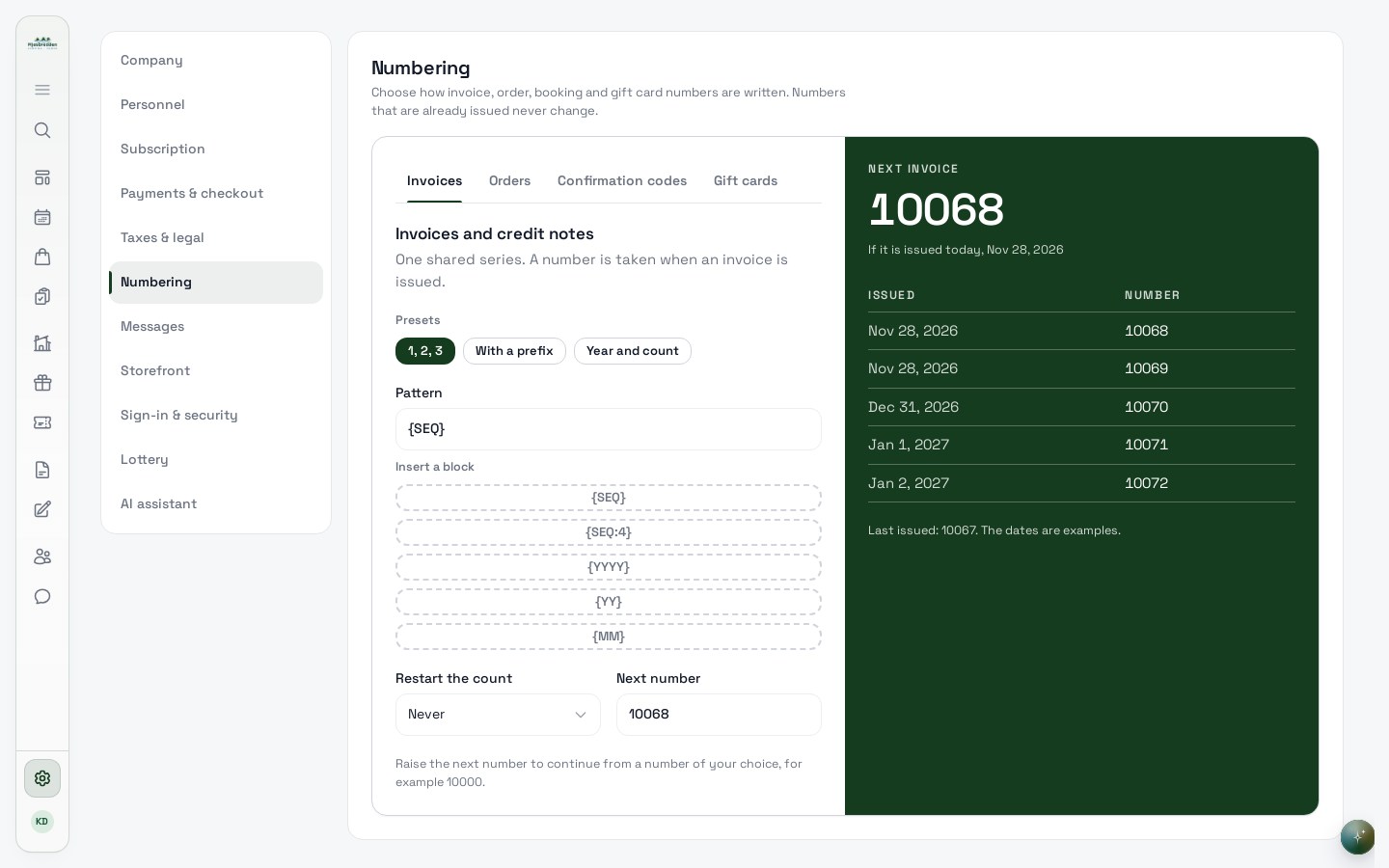 3. Choose the tab for what you want to change: Invoices, Orders, Confirmation codes or Gift cards.
4. Pick one of the Presets, for example plain numbers, with a prefix, or year and count. You can also build your own Pattern by inserting blocks such as the count, the year and the month.
5. Under Restart the count, choose whether the count starts again every year, or never.
6. To continue from a number of your choice, for example 10000, raise the Next number.
7. On the right you see examples of the next numbers, and which number was issued last.
8. Save your changes.
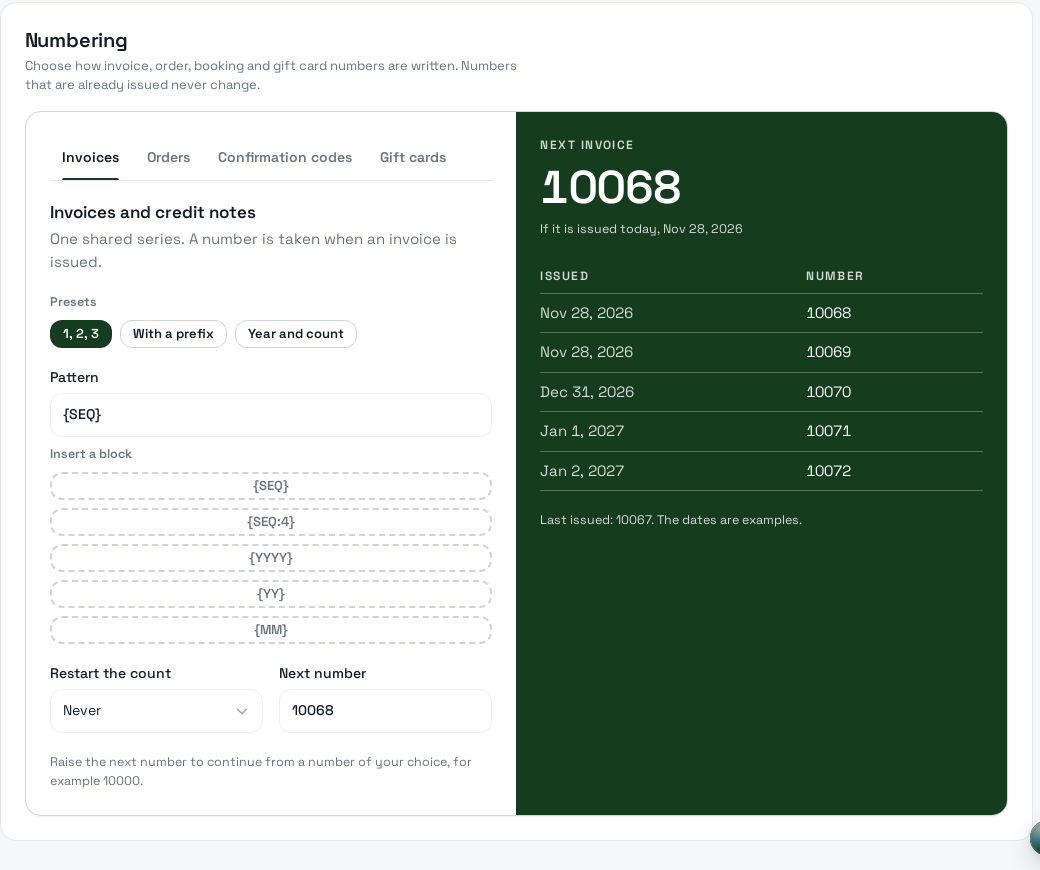
What the numbers are
- Invoices and credit notes: one shared series. A number is taken only when an invoice is issued.
- Orders: the order number guests see in emails and on receipts.
- Confirmation codes: the code a guest gets for a new direct booking. Bookings from sales channels keep the code the channel gave them.
- Gift cards: the card number shown to staff and in gift card emails.
Good to know
- The dates in the examples are only examples.